A new panel operator may see a real compressor trip or a full plant startup only a few times in a career. A training simulator lets that operator practise both, again and again, on a copy of the real DCS screens without any risk to people or equipment.
An operator training simulator copies the plant control system and drives it with a dynamic process model. Operators rehearse startups, shutdowns and upsets in a safe room before they face them on the live plant.
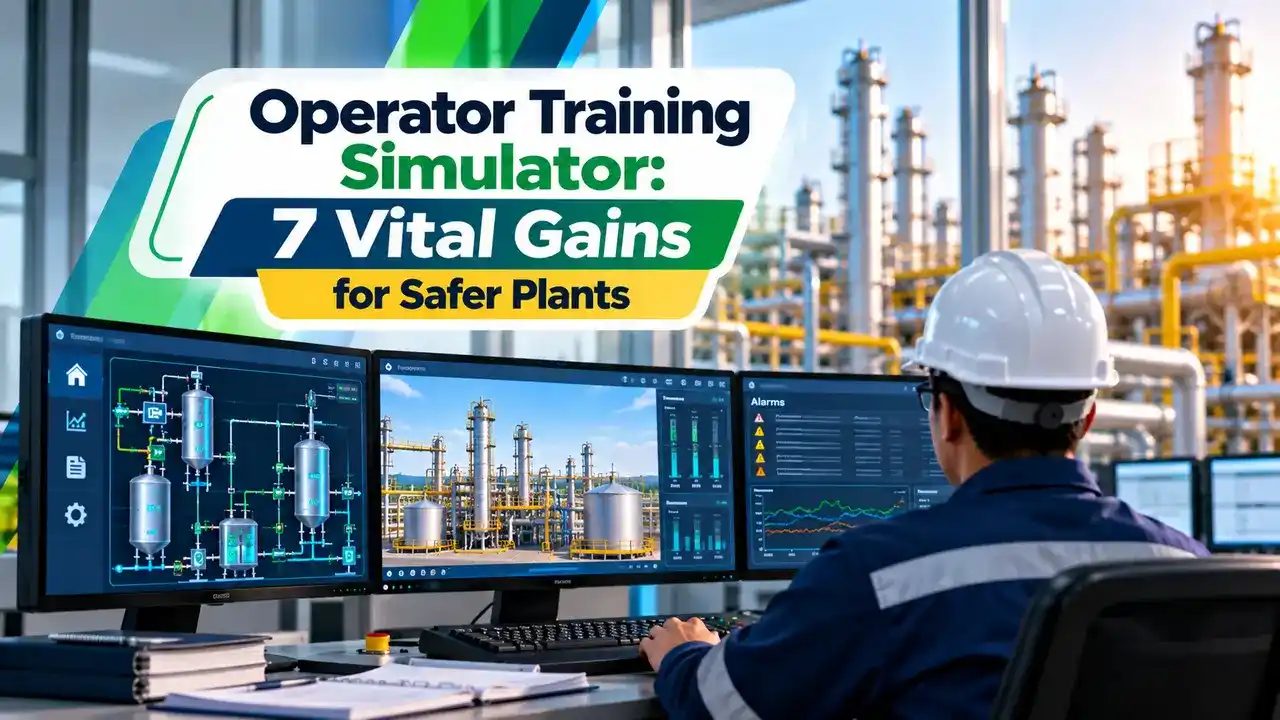
What Is an Operator Training Simulator?
An operator training simulator, usually called an OTS, is a computer system that combines a copy of the plant control system with a dynamic model of the process, so that operators can run the plant virtually. It looks and behaves like the real distributed control system console, but the valves, pumps and reactors exist only in software.
The trainee sits at the same graphics, faceplates and alarm lists used in the control room. An instructor watches from a separate station, loads scenarios and injects faults while the trainee responds.

Aircraft pilots have trained on flight simulators for decades, and the process industry adopted the same idea for refineries, fertiliser plants and power stations. Today an operator training simulator is often built alongside the control system during a project, long before the plant runs.
Emerson research quoted by Chemical Processing indicates that bringing an operator to the appropriate level of competence can take 6 to 7 years. Simulator training is one of the few ways to shorten that path safely.
Main Building Blocks of an OTS
Dynamic equations for flows, pressures, levels, temperatures and reactions that respond to valve moves in real time.
Emulated or real controllers running the same configuration as the plant DCS, PLC and safety system.
HMI graphics, alarm summary and trends identical to the control room consoles.
Session control for scenarios, malfunctions, snapshots, speed and trainee scoring.
The AVEVA datasheet lists the same pieces: an instructor station running the dynamic simulation, control emulation stations, trainee HMI panels with a field operator station, and a simulation executive that keeps everything synchronised. The operator side mirrors the engineering, operator and automation stations found in any DCS.
A field operator station is a simple graphic that lets someone act as the outside operator. It opens manual valves, starts local pumps and resets field trips that the panel operator cannot reach from the console.
Emulation Versus Stimulation of the DCS
There are two ways to connect the control system to the model. In emulation, software mimics the controllers on an ordinary computer, while in stimulation the model drives a real copy of the DCS, PLC and safety system hardware.
- Lower cost, no controller hardware needed.
- Easy to pause, freeze, replay and speed up.
- Simple to copy to many training rooms.
- Good for most operator drills.
- Exact control behaviour and calculation order.
- Real operator graphics and keyboards.
- Expensive hardware to buy and maintain.
- Speed up and replay are harder to support.
Lecture notes from Politecnico di Milano explain that emulation accuracy depends on how faithfully the vendor block library copies the real one. They also note that industry references show a roughly even split between the two approaches.
When you choose emulation, run a few loops side by side with the real controller during FAT and compare the responses. Small differences in block execution order can change how a cascade behaves during a fast upset.
How Much Model Fidelity Do You Need?
| Fidelity Level | Model Detail | Typical Use | Relative Cost |
|---|---|---|---|
| Tieback | Each output simply loops back to its input with a lag | Graphics checkout and basic navigation | Low |
| Medium | Mix of simple and detailed unit models | Routine operations and common upsets | Medium |
| High | First principles, plant wide thermodynamics | Startups, shutdowns, trips and process engineering studies | High |
Yokogawa describes the same three levels and states that the main cost driver is fidelity, since the closer the simulator mirrors the plant, the more it costs. A tieback model is enough to check that every faceplate opens, but it cannot show a column flooding.
High fidelity models are needed when the operator training simulator must reproduce real dynamics, such as a furnace light off or a compressor surge. The same models also help tune loops, which is covered in how to tune a PID controller.
The Politecnico di Milano notes describe a fertiliser plant simulator whose instructor could run time from 0.1 times to 10 times real speed. Slow motion helps trainees follow a fast trip, while fast forward skips long heat up periods.
Inside the Instructor Station
The AVEVA datasheet adds that instructors can set simulation speed and initialise quickly to any saved operating condition. Good scenarios mix process faults with instrument faults, so trainees also learn to spot bad values as described in remote I/O failure modes.
Write every scenario as a short card with initial condition, fault, expected alarms and correct response. Cards keep training consistent when different instructors run the same exercise.
7 Vital Gains From an Operator Training Simulator
The control checkout benefit links an operator training simulator closely to the factory acceptance test. The Politecnico di Milano case study reports that its simulator was used during FAT to verify procedures, ESD logic and DCS graphics, which led to corrections before delivery.
The approach is related to the plant wide digital twin and to loop testing during commissioning. The difference is that an operator training simulator focuses on people and their decisions, not only on logic.
Chemical Processing reports that one chemical company was closing in on 3,000 hours of operator training on its simulator. Fauji Fertilizer ran 130 sessions over 12 months and trained nearly 100 managers and operators with 22 in house instructors.
Typical Startup and Trip Scenarios
Trip drills should use the real safety logic, so trainees see exactly which valves close when the emergency shutdown system acts. After the trip they practise moving loops through the manual, auto and cascade modes during the restart.
Alarm floods are another valuable scenario. Trainees learn to read priorities and first out information, which supports the targets in alarm management to ISA 18.2.
Operator Training Simulator Payback Formula
Management usually asks how quickly the simulator pays for itself. A simple estimate compares the investment with the value of avoided trips each year, minus the yearly cost of support and model updates.
Payback period = I ÷ B
I = investment, T = avoided trips per year
C = cost per trip, S = annual support cost
Example, values in lakh rupees:
I = 250, T = 2, C = 60, S = 20
B = 2 × 60 minus 20 = 100
Payback = 250 ÷ 100 = 2.50 years
OTS Payback Calculator
These inputs are only an example, so use the real trip cost of your unit, including lost production, flaring and restart steam. The Politecnico di Milano notes suggest that avoiding even one trip or upset per year can justify the simulator.
Second Worked Example: Shared Simulator for Sister Plants
Suppose a company has four similar gas plants and builds one virtualised trainer for ₹400 lakh. If each plant avoids one trip a year worth ₹40 lakh and support costs ₹30 lakh, the benefit is 4 × 40 minus 30 = ₹130 lakh.
The payback is 400 ÷ 130 = 3.08 years, while a single plant alone would barely cover the support cost. Chemical Processing notes that one virtualised trainer in central engineering can serve four or five similar plants, often hosted as in server virtualisation.
Building and Maintaining the Simulator
- Freeze the DCS database version used for the model.
- Agree the fidelity level for each unit in writing.
- Validate model steady states against heat and mass balances.
- Test every malfunction and snapshot before training starts.
- Train in house instructors, not only the vendor team.
- Update the model and graphics after every plant change.
- Keep scenario scores and attendance records for audits.
An operator training simulator that lags behind the live configuration teaches the wrong graphics and interlocks. Add OTS updates to the management of change process, especially during a DCS migration when screens and logic change in large batches.
Simulators also make a good test bed for advanced control. Engineers can trial a model predictive controller on the model before taking it to the live unit.
AVEVA Training Simulator Datasheet
Simulator Training Video
Operator Training Simulator FAQ
It is a system that joins a copy of the plant control system with a dynamic process model. Operators run the virtual plant from screens that match the real control room exactly.
An instructor loads scenarios, injects faults and scores the response. The trainee gains experience of rare events and upsets without any risk to people, product or equipment.
Emulation runs the controller logic in software on an ordinary personal computer or server. Stimulation connects the model to a real copy of the controller and safety hardware.
Emulation is cheaper and easy to pause or speed up. Stimulation gives exact control behaviour, but the hardware costs more to buy and to keep up to date.
A high fidelity model uses first principles equations for the whole plant. Its response is close enough that experienced operators often cannot tell it apart from the real unit.
Lower fidelity models use simple tiebacks or approximate unit models. They are cheaper to build and still useful for graphics checkout, console familiarisation and basic navigation practice.
It starts and stops training sessions, loads saved snapshots such as full load and injects malfunctions. It can also change simulation speed and override instrument signals from the field.
Most instructor stations score the trainee against limits and procedure steps. A replay function supports a calm debrief after each exercise so that useful lessons are not lost.
Yes, a simulator built during the project can test graphics, interlocks and sequences against a running model. Configuration faults are found and fixed before the real plant starts up.
Operators also rehearse the first startup well in advance of the actual event. That preparation usually makes the real commissioning smoother, quicker and much safer for the whole crew.
Plants compare the total simulator investment with the value of trips and upsets avoided each year. Support and model update costs are subtracted to get the net annual benefit.
Dividing the investment by that benefit gives a simple payback period. Sharing one virtualised trainer across several sister plants often shortens the payback period a great deal.
Most plants run refresher sessions on the operator training simulator for each operator every year and before major turnarounds. New operators spend more time on it during their qualification period.
Rare events such as a total power failure or a major gas leak deserve regular drills. Records of sessions and scores also support audits of operator competence and training.
Related Articles
- Distributed Control System DCS
- Factory Acceptance Test for DCS
- DCS Components ES, OS and AS
- Digital Twin in Industrial Automation
- Emergency Shutdown System ESD
External References
- Operator Training Simulator Datasheet, AVEVA
- Training Simulators Make Real Difference, Chemical Processing
- Training Simulation, Wikipedia
What We Learn Today
- An operator training simulator joins a copy of the DCS with a dynamic process model so operators can practise startups, trips and upsets safely.
- Control logic can be emulated in software or stimulated on real hardware, and model fidelity ranges from simple tiebacks to first principles models.
- Payback equals investment divided by net annual benefit, so 250 lakh against 100 lakh of avoided trip cost each year gives 2.5 years.