Most PLC faults are found in the field wiring, the power supply or the network, not inside the processor itself. This guide gives a seven step method, LED and fault code tables, multimeter checks and a scan time calculator you can use on a live plant.
PLC troubleshooting is faster when you follow a fixed order: LEDs, power, I/O, network, then program. This guide covers status LED meanings, multimeter tests, fault codes, scan time limits and a symptom table for maintenance engineers.
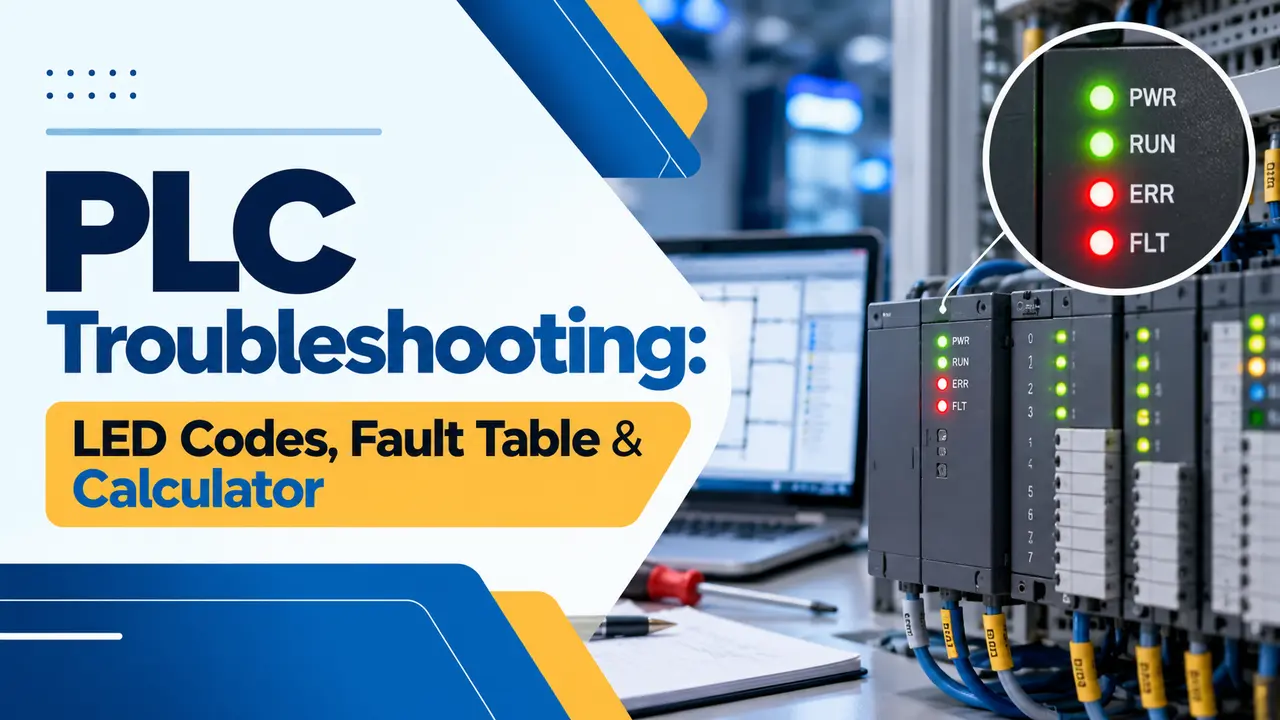
What Is PLC Troubleshooting?
PLC troubleshooting is the systematic method of finding why a programmable logic controller or the machine it runs is not behaving as expected, by checking power, status LEDs, I/O, communication and the program in a fixed order. The goal is to prove where the fault is before you change any part or edit any logic.
- Read the LEDs on the power supply, CPU and I/O cards first.
- Measure the 24 V DC supply under load before opening the program.
- Split an I/O fault between field device, cable and card with a multimeter.
- Record the fault code and time stamp before clearing it.
- Check forces, scan time and the watchdog before blaming hardware.
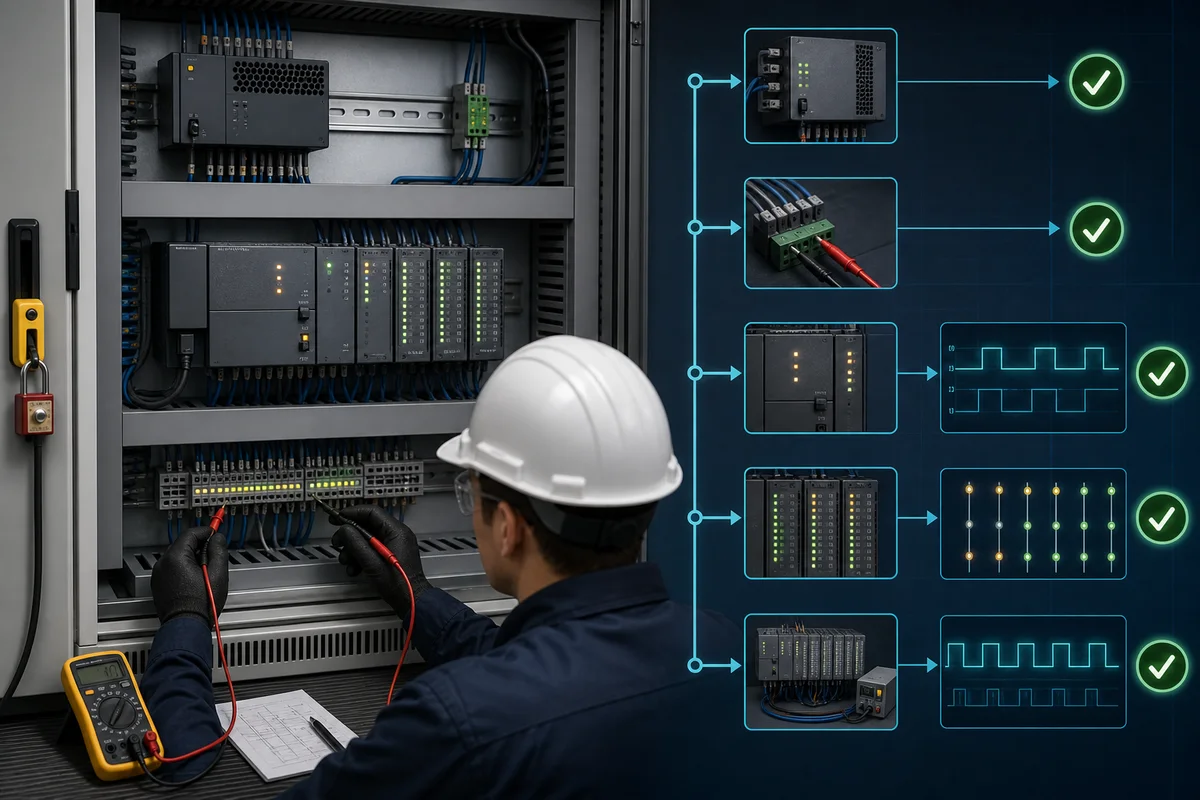
The LEDs on a CPU and its input modules are the first diagnostic tool on an ET200SP rack. Our guide on PLC diagnostic status bits shows how the same information is available inside the program.
PLC Troubleshooting Steps: A Seven Step Method
Good PLC troubleshooting follows the same order every time, so nothing is missed when the plant is down. Work from the outside in: what the operator saw, then power, then hardware, then logic.
Field devices and wiring fail far more often than processors, so steps three and five find most faults. The field to system cabinet wiring path has many terminals, and each one is a possible loose joint.
A PLC CPU can show RUN while a single remote rack is offline, so the machine stops with a green lamp on the controller. During PLC troubleshooting, always look at every module, not just the CPU.
PLC Status LED Meaning: RUN, SF, BF and ERR
The table below covers common labels on Siemens S7 and Rockwell Logix controllers found in Indian plants.
| LED label | Seen on | Normal state | Fault meaning |
|---|---|---|---|
| RUN | Most CPUs | Steady green | Off means STOP, Program or Test mode |
| STOP | Siemens S7 300 and 400 | Off | Steady yellow means the CPU is not executing |
| SF | Siemens S7 300 and 400 | Off | Group error: hardware, program or diagnostic fault |
| BF | Siemens CPUs with DP or PN port | Off | Bus fault on PROFIBUS or PROFINET |
| ERROR | Siemens S7 1200 and 1500 | Off | Red when a hardware or program error is present |
| DC5V | Siemens S7 300 | Steady green | Off means the internal 5 V supply is missing |
| FRCE or FORCE | Siemens and Rockwell | Off | Yellow means I/O forces are active |
| MOD | Rockwell ControlLogix 5590 | Steady green | Flashing red is recoverable, steady red is unrecoverable |
The Rockwell ControlLogix 5590 manual states that a steady red MOD indicator means a major unrecoverable fault, while flashing red means a major recoverable fault. A RUN indicator that is off means Program or Test mode, as our ControlLogix 5590 article explains.
Siemens covers these LEDs in section 10.8 of its CPU 31xC and CPU 31x manual, linked below. During PLC troubleshooting, if SF and BF are both lit, look at the network first; if SF is lit alone, read the diagnostic buffer.
Photograph the full rack with your phone before you touch anything. The LED pattern at the moment of the fault is often lost once someone power cycles the panel.
PLC Input and Output Troubleshooting With a Multimeter
For input PLC troubleshooting, compare the field device, the input LED on the card and the bit in the program. If the device operates but the LED stays off, the fault is in the cable or the card; check whether the card is sinking or sourcing before you measure.
Control.com reminds technicians that proximity and photo sensors need a dedicated 24 V DC conductor, because voltage drop on a long or shared core can weaken the signal. Our note on 24 V in PLC systems explains why this voltage became the standard.
For outputs, work in the opposite direction: program bit, output LED, then voltage at the terminal and at the load. Control.com warns never to connect an output terminal directly to ground, because that short circuit can destroy the channel.
If the LED is on but the load does not run, measure at the load to find an open wire, a blown fuse or a failed relay. The PLC output module types guide explains why relay, transistor and triac outputs fail differently,
Control.com notes that a standard 16 input module uses 16 memory bits, one for each input. That one to one mapping is why a single wrong address can make a healthy sensor look dead.
PLC Error Codes and Fault Finding
Every CPU stores its last faults with a code and a time stamp, and reading them is the fastest part of PLC troubleshooting. Siemens uses the diagnostic buffer and Rockwell the Major Faults tab, as our article on major and minor fault codes shows.
| Code or block | Platform | Meaning | First check |
|---|---|---|---|
| OB80 | Siemens S7 300 and 400 | Time error, cycle time exceeded | Scan time, loops in the program |
| OB82 | Siemens S7 300 and 400 | Diagnostic interrupt from a module | Wire break or short on that card |
| OB86 | Siemens S7 300 and 400 | Rack or DP station failure | Network cable, connector, station power |
| OB121 | Siemens S7 300 and 400 | Programming error | Address or pointer in the last edited block |
| Type 4 Code 20 | Rockwell Logix | Array subscript too large | Index tag value in the faulted rung |
| Type 6 Code 1 | Rockwell Logix | Task watchdog expired | Scan time, infinite loops, task period |
Scan Time and Watchdog Calculation With Solved Example
Scan time is a common blind spot in PLC troubleshooting, because a watchdog fault means one scan overran the set limit and a missed input often means a pulse was shorter than one scan plus the input filter. Our guide on how the PLC scan cycle works explains why the CPU reads inputs only at the start of each scan.
Worst case response = 2 × Scan time + Input filter
Scan time = 12 ms, input filter = 3 ms
Minimum pulse = 12 + 3 = 15.0 ms
Sensor pulse = 20 ms, margin = 20 minus 15 = 5.0 ms
Worst case response = 2 × 12 + 3 = 27.0 ms
Watchdog = 150 ms, load = 12 ÷ 150 × 100 = 8.0 %
Result: the 20 ms pulse is caught reliably
In a second example, a counting sensor on a fast conveyor gives 8 ms pulses into the same PLC. The margin is minus 7 ms and counts will be lost, which is a job for a high speed counter input.
When scan time keeps growing, look for large loops and heavy communication blocks, as our tips on how to increase PLC speed describe. The PLC watchdog timer guide explains how to set a sensible limit.
PLC Troubleshooting for Remote I/O, HMI and Drives
Network faults show as BF or NET lamps, a frozen HMI, or a remote rack that drops out and returns. Our guide to remote I/O failure modes lists the patterns, and most come from connectors, cable routing or duplicate addresses.
Before replacing a remote I/O head during PLC troubleshooting, swap the network cable to a known good port or use a short test cable. A cracked connector or a crushed cable explains more dropouts than failed electronics.
PLC Troubleshooting Symptom Table
Use this PLC troubleshooting table as a first guide, then confirm with a meter or online status before replacing parts.
| Symptom | Likely cause | Check | Fix |
|---|---|---|---|
| All LEDs off | No supply, tripped MCB, failed PSU | 230 V AC in, 24 V DC out | Reset MCB, replace PSU |
| CPU in STOP with SF red | Program error, missing OB, module fault | Diagnostic buffer | Correct the fault, then restart |
| BF red, remote rack lost | Cable, connector, address, terminator | Link LEDs, cable test | Repair cable, set address |
| Input LED off, sensor working | Open wire, wrong common, blown fuse | Voltage at terminal | Repair wiring or fuse |
| Output LED on, load off | Open wire, channel fuse, bad load | Voltage at load | Repair circuit, replace load |
| Random stops, no clear code | Low 24 V, ripple, poor earthing | Ripple, earth bonding | Fix supply, earthing, shields |
| Logic runs but machine wrong | Forces active, wrong program version | FORCE LED, compare online and offline | Remove forces, load correct version |
The last row catches many teams out, so compare the online and offline project as our guide to PLC online and offline programming explains. Faults that come and go often trace back to ground loops, shields earthed at both ends or power supply aging.
PLC Troubleshooting Myths
PLC Troubleshooting Field Checklist
- Work permit taken and the machine made safe
- LEDs and HMI alarm list photographed
- 24 V DC measured under load at CPU and I/O
- Fault log copied with time stamps
- Forces checked and recorded before any change
- Online project compared with the master copy
- Repair tested and the PLC troubleshooting log updated
- Finds the real cause instead of swapping parts.
- Cuts downtime because nothing is checked twice.
- Leaves a record for the next shift.
- Intermittent faults may need logging over days.
- LED meanings differ between makers and models.
- Uncommented programs slow down logic tracing.
Siemens CPU 31xC and CPU 31x Manual PDF
Video on PLC Troubleshooting Tips
PLC Troubleshooting FAQ
Start by asking the operator what happened, then read every LED on the power supply, CPU and I/O cards. Measure the 24 V DC supply with the load connected.
Next read the fault code online and split any I/O fault between device, cable and card. Fix the cause, test the machine under supervision and record what you found.
Most faults come from field devices, loose wiring, blown fuses and weak power supplies. Network problems on remote racks, drives and operator panels are the next most common group.
CPU and memory failures are rare by comparison. Program faults usually appear after an edit, so good PLC troubleshooting always asks whether anyone changed the logic recently.
SF is the group error or system fault LED on S7 300 and S7 400 CPUs. It lights red for hardware faults, programming errors or diagnostic interrupts sent by a module.
Go online with the engineering software and read the diagnostic buffer to see the exact event. If BF is also lit, check the PROFIBUS or PROFINET network and its connectors first.
BF stands for bus fault and shows that the CPU has lost contact with one or more stations on its fieldbus. The cause is often a damaged cable, a loose connector or a wrong address.
Check the link LEDs on each remote station and look for missing terminators on PROFIBUS segments. A remote station that has lost its 24 V supply will also raise this alarm.
Operate the field device and watch the input LED on the card while a helper reads the program bit. Then measure the voltage between the input terminal and the module common.
If 24 V is present but the LED stays off, the channel is suspect and a spare channel will confirm it. If the voltage is zero, trace the cable and fuse back to the device.
First read and record the fault code so the evidence is not lost. Then correct the cause, such as a broken cable, a failed module or a bad index value in the program.
Clear the fault from the software or with the key switch as the manual describes. Watch the machine closely for the first few minutes after the restart and note the result in the log.
Related Articles
- PLC Fault Handling: Major and Minor Fault Codes
- PLC Diagnostic Status Bits
- PLC Watchdog Timer
- PLC Analog Input Problems and Solutions
- Remote IO Failure Modes
External References
- CPU 31xC and CPU 31x Installation Operating Instructions, Siemens
- PLC Input and Output Module Troubleshooting Techniques, Control.com
- Programmable Logic Controller, Wikipedia
What We Learn Today
- PLC troubleshooting works best in a fixed order: operator report, LEDs, power, fault code, I/O, network, and only then the program logic.
- Status LEDs such as RUN, SF, BF, ERROR and MOD point to the faulty area in seconds, so photograph them before anyone restarts the panel.
- A pulse shorter than one scan plus the input filter can be missed, and a scan longer than the watchdog limit stops the CPU.