
Jump and subroutine instructions let you organize a large PLC program into small, readable and faster routines.
A PLC subroutine is a separate routine that runs only when the main program calls it with a JSR instruction. Together with JMP and LBL, it gives you control over which logic executes in each scan.
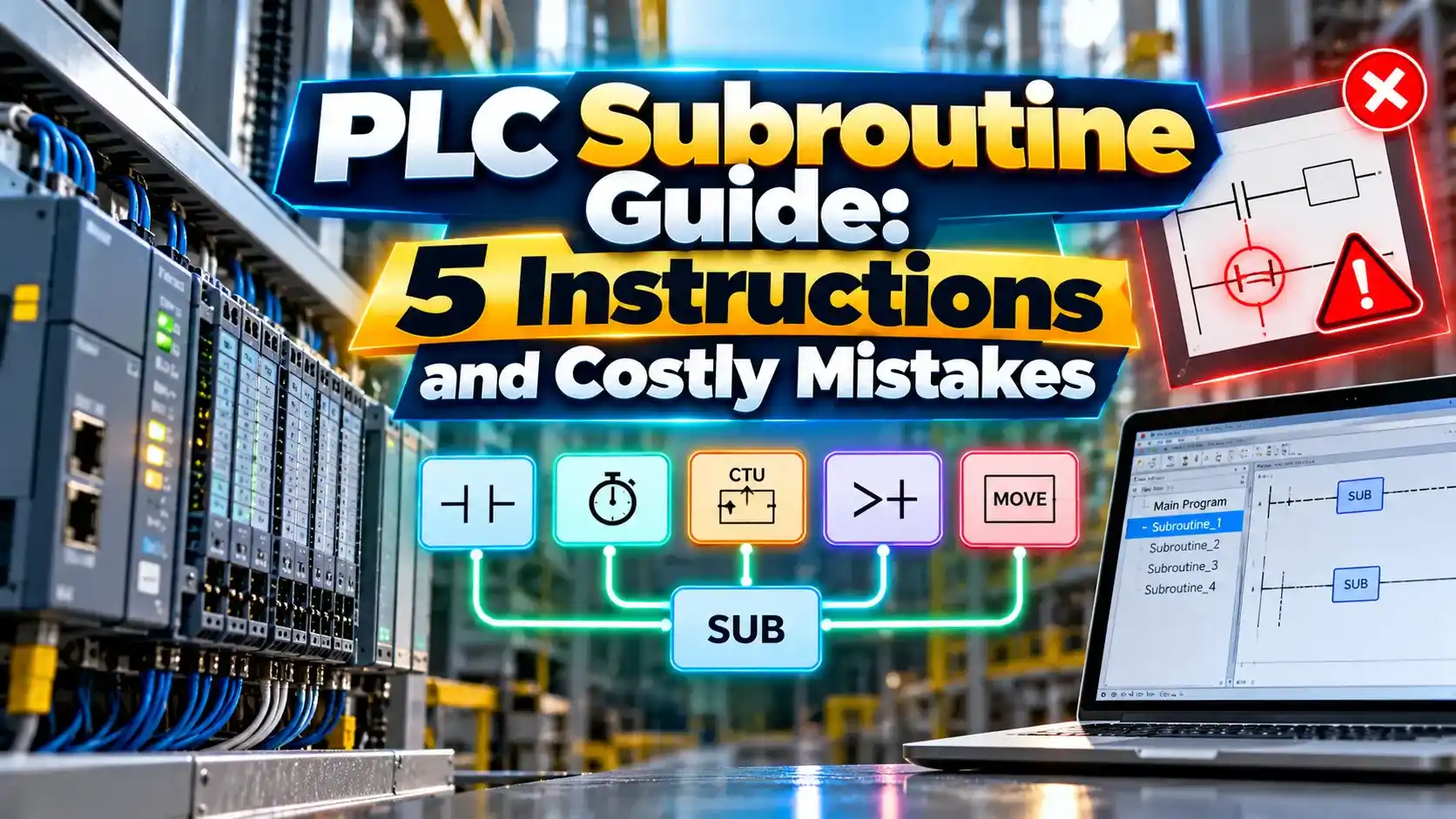
What Is a PLC Subroutine?
A PLC subroutine is a block of ladder logic stored in its own routine that executes only when another routine calls it. Instead of one huge program, you split logic into small parts such as motors, valves, alarms and communication, which suits every language listed in IEC 61131 3.
In a normal PLC scan cycle, the processor reads inputs, solves logic from top to bottom and then updates outputs. Subroutine calls simply redirect that top to bottom flow into another routine and bring it back.

In Rockwell Studio 5000, the MainRoutine usually holds only JSR instructions that call every other routine in order. This makes the program easy to read and easy to troubleshoot.
Siemens uses the same idea with function calls to FC and FB blocks inside OB1. The names differ, but the concept of calling reusable code stays the same.
5 Program Control Instructions You Must Know
JSR, SBR and RET work across routines, while JMP and LBL work only inside one routine. Mixing up these two families is the first source of confusion for beginners.
Parameters in a PLC subroutine call are optional. Many programmers skip them and use global tags instead, which is simpler but less reusable.
How JSR, SBR and RET Work Together
When the JSR rung is true, the processor runs the whole PLC subroutine and then returns to the rung after the JSR. When the JSR rung is false, the subroutine is skipped for that scan.
This behaviour is powerful but dangerous. Outputs inside a skipped PLC subroutine keep their last state, so a motor started in the routine can keep running even though its logic is no longer scanned.
For deep programs, keep nesting shallow and avoid a subroutine calling itself. Recursive calls can overflow the stack and trigger a major fault, as described in PLC fault handling.
JMP and LBL Inside One Routine

A JMP instruction sends execution to the rung that holds the matching LBL. All rungs in between are skipped, and their outputs freeze in whatever state they had.
Jumping backward creates a loop that repeats within the same scan. If the exit condition never becomes true, the watchdog timer expires and the controller faults.
Because of these risks, many plant standards ban JMP completely or allow only forward jumps. A PLC subroutine is usually the cleaner way to make logic conditional.
Scan Time Formula With a Worked Example
Worked example:
Main routine = 2 ms
4 subroutines at 3 ms each
All called every scan:
Scan = 2 + (4 × 3) = 14 ms
Only 2 called when needed:
Scan = 2 + (2 × 3) = 8 ms
Saving = (14 minus 8) ÷ 14 × 100 = 42.9 percent
Conditional calls are one of the simplest ways to increase PLC speed. Routines such as recipe download or report generation rarely need to run every scan.
Be careful not to make safety or critical control logic conditional. Those routines should always run so their outputs never freeze.
Subroutine vs Jump Comparison
| Feature | JSR and SBR | JMP and LBL |
|---|---|---|
| Scope | Across routines | Same routine only |
| Parameters | Can pass input and return values | None |
| Reusability | High, one routine for many uses | Low |
| Readability | Good when well named | Poor with many jumps |
| Risk | Frozen outputs when skipped | Frozen outputs and loops |
| Typical use | Program structure | Rare special cases |
For most projects, the PLC subroutine approach wins on readability and maintenance. It also pairs well with data move instructions when you pass values in and out.
JMP still has a place in legacy code and in very tight loops. Document every jump clearly so the next engineer understands why it exists.
Typical Uses in Real Projects
The communication routine often holds MSG instructions that talk to other controllers. Keeping them together makes network faults easier to find.
Name each PLC subroutine by function, such as R01_Pumps or R10_Alarms. A clear naming pattern saves hours during breakdowns.
Scan Time Saving Calculator
Real scan time also includes I/O update and communication overhead. Use the controller task monitor to confirm the actual value.
- Clean and readable program structure.
- Reusable logic with parameters.
- Lower scan time with conditional calls.
- Easier fault finding by routine.
- Outputs freeze when a routine is skipped.
- Backward jumps can cause watchdog faults.
- Recursive calls can overflow the stack.
- Missing JSR leaves a routine never scanned.
Ladder Diagram Programming Manual PDF
Watch JSR, JMP and LBL in Studio 5000
PLC Subroutine FAQ
Related Articles
- How PLC Scan Cycle Works
- Ladder Logic for Beginners
- PLC Programming Languages
- PLC Watchdog Timer Explained
- PLC Timer Instructions
External References
- JSR, JMP and LBL Instructions, SolisPLC
- Program Control Instructions, TW Controls
- Ladder Diagram Programming Manual, Rockwell Automation
- Subroutine Concept, Wikipedia
What We Learn Today
- A PLC subroutine called by JSR runs only when its rung is true and then returns control.
- JMP and LBL skip rungs inside one routine and can freeze outputs or cause loops.
- Conditional calls cut scan time, but critical logic must run every scan.