
A chattering transmitter can fill the alarm banner and hide the one alarm that really matters. Temporarily parking that nuisance alarm, with a timer and a record, restores the operator view without losing control of the risk.
Operators sometimes need to silence an alarm that is known to be false or already being handled. ISA 18.2 defines a controlled way to do this, so the alarm returns automatically and every action is recorded.
What Is Alarm Shelving?
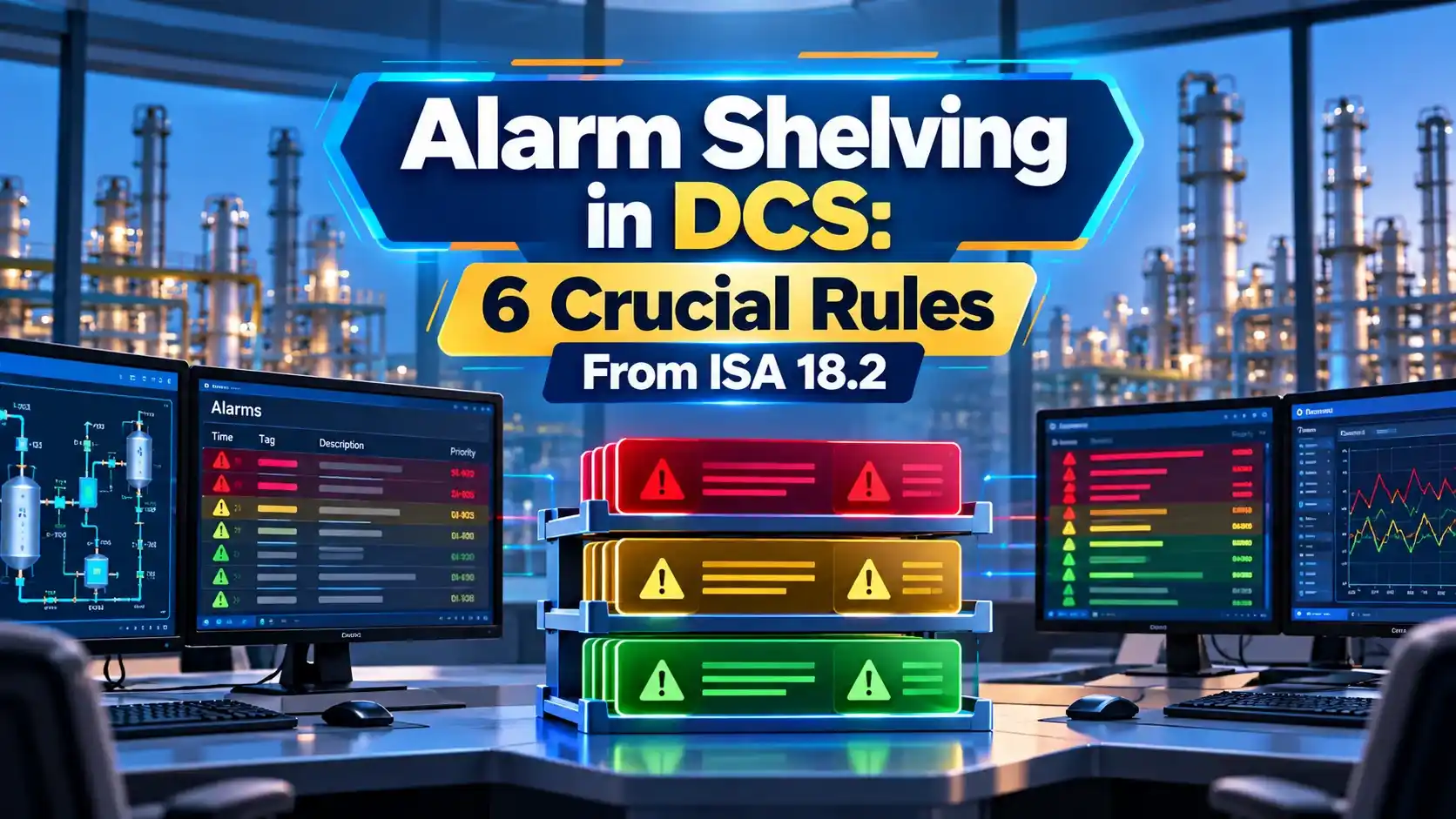
Alarm shelving is an operator initiated, time limited suppression of a single alarm, controlled by the alarm system and recorded in an audit trail. ISA 18.2 describes it as one of three suppression methods, as covered in alarm management ISA 18.2.
iFactory notes that an operator or supervisor shelves a specific alarm for a defined period with authorisation. The alarm then returns automatically when the period expires.
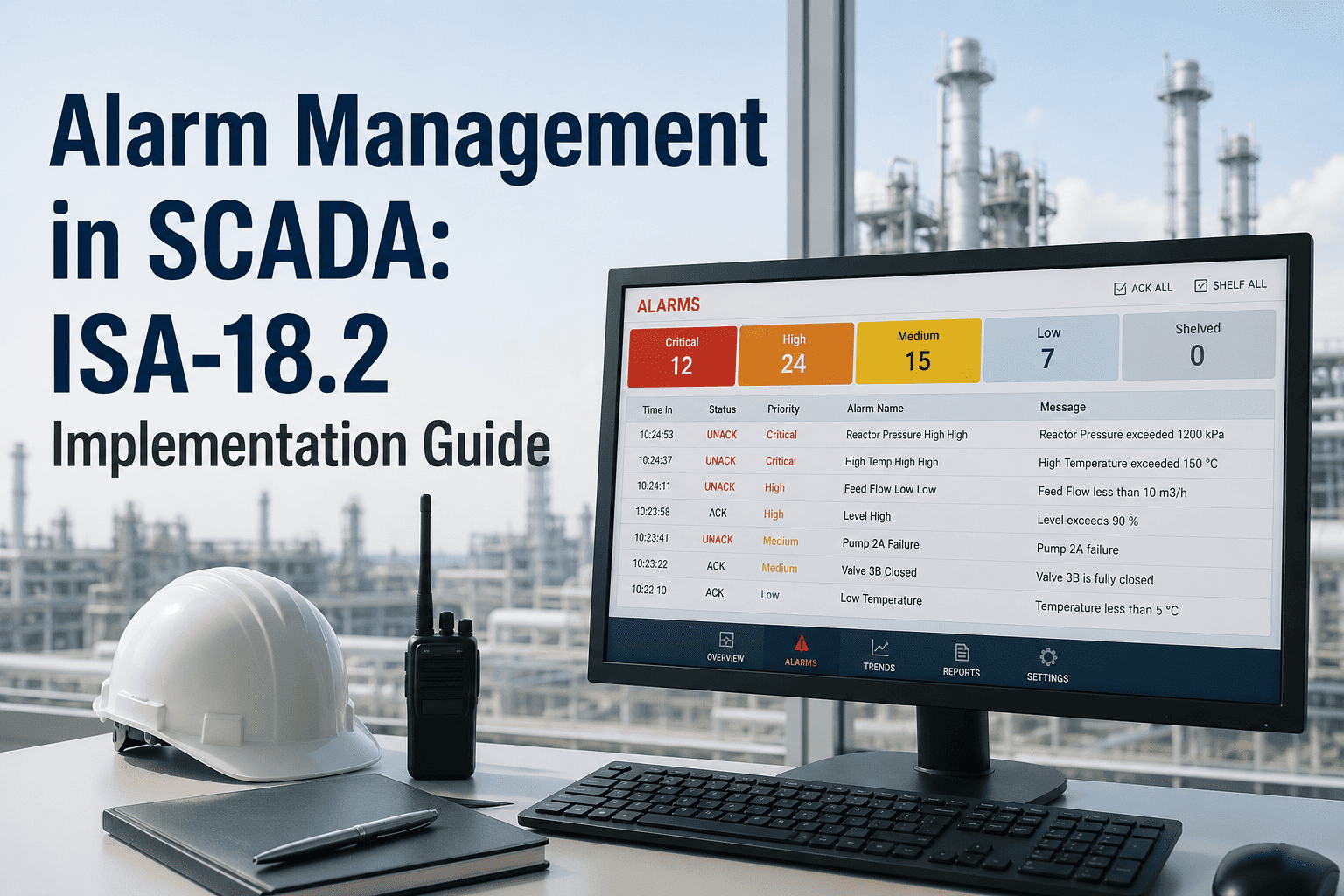
Alarm shelving is used for nuisance, chattering or stale alarms while a fix is arranged. It is not a way to hide real problems, and it never applies to safety function bypasses.
The shelved alarm still appears on a dedicated list, so supervisors can see what is hidden at any time.
Shelving vs Other Suppression
| Method | Who Starts It | Duration | Example |
|---|---|---|---|
| Shelving | Operator, with authority | Limited, auto return | Chattering level switch |
| Suppressed by design | Logic in the system | While the condition exists | Low flow on a stopped pump |
| Out of service | Maintenance, with permit | Until work is complete | Transmitter being replaced |
Suppression by design uses process state logic, for example hiding low pressure alarms while a unit is shut down. Out of service is tied to maintenance permits, much like the controls in force vs override.
All three must be visible and reviewed, because hidden alarms remove a layer of protection.
How Alarm Shelving Works on the Console
The console should show a shelved icon and count on every operator screen. Good graphics follow ISA 101 HMI design.
Most modern platforms such as those described in distributed control systems include shelving in the operator station.
6 Crucial Alarm Shelving Rules
These rules follow the ISA 18.2 guidance summarised in the PAS paper. The aim is to reduce distraction without creating blind spots.
Repeated shelving of the same alarm shows it needs rationalisation or a maintenance fix. Track it with the DCS alarm types classification.
Alarm Rate Targets
Common targets per operator:
About 1 alarm per 10 min is very likely acceptable
About 2 per 10 min is the maximum manageable
More than 10 in 10 min is an alarm flood
Example: 432 alarms per day ÷ 144 = 3.0 per 10 min
Overloaded, so rationalise before relying on shelving
iFactory reports that ISA 18.2 rationalisation can cut alarm floods by up to 80 percent. Alarm shelving only treats symptoms while rationalisation removes causes.
Track the number of shelved alarms as a key performance indicator. A steady rise signals maintenance backlogs.
Alarm Rate Calculator
Run this for each console, not the whole plant, since load differs between operators.
- Removes nuisance alarms quickly.
- Keeps operators focused.
- Automatic return prevents forgotten alarms.
- Full audit trail.
- Real alarms hidden too long.
- Overuse instead of fixing causes.
- Poor shift handover.
- Group shelving by mistake.
Alarm history and events can be correlated with sequence of events records after incidents.
Understanding ISA 18.2 PDF
Alarm Management Lifecycle Video
Alarm Shelving FAQ
Related Articles
- Alarm Management ISA 18.2
- 7 Types of Alarms in DCS
- SCADA Alarm Management
- Distributed Control System
- DCS Components ES, OS and AS
External References
- Understanding ISA 18.2, PAS and ISA
- ISA 18.2 Implementation Guide, iFactory
- Alarm Management, Wikipedia
What We Learn Today
- Alarm shelving hides one alarm for a limited time with a record.
- It differs from suppression by design and out of service.
- Limit duration, exclude safety alarms and fix the root cause.