
SCADA alarm management is the discipline of designing, tuning, and monitoring alarms so operators get warned about real problems, not buried under noise.
In this guide, we focus on the practical SCADA side: alarm flooding, the rationalization workflow, priority design, and the numbers engineers actually track to know if an alarm system is healthy.
SCADA alarm management is the engineering practice of designing, prioritizing, and continuously monitoring alarms in a SCADA system, so operators receive a manageable, meaningful stream of warnings instead of an overwhelming flood of low-value alerts.
Why SCADA Alarm Management Matters on the Plant Floor
Every SCADA system can generate an alarm the moment a value crosses a limit. That sounds useful, but without careful design, this turns into a real problem fast.
A poorly designed system can generate hundreds of alarms in minutes during an upset. Operators cannot read, understand, and act on that many alarms at once, even on a well laid out HMI screen.
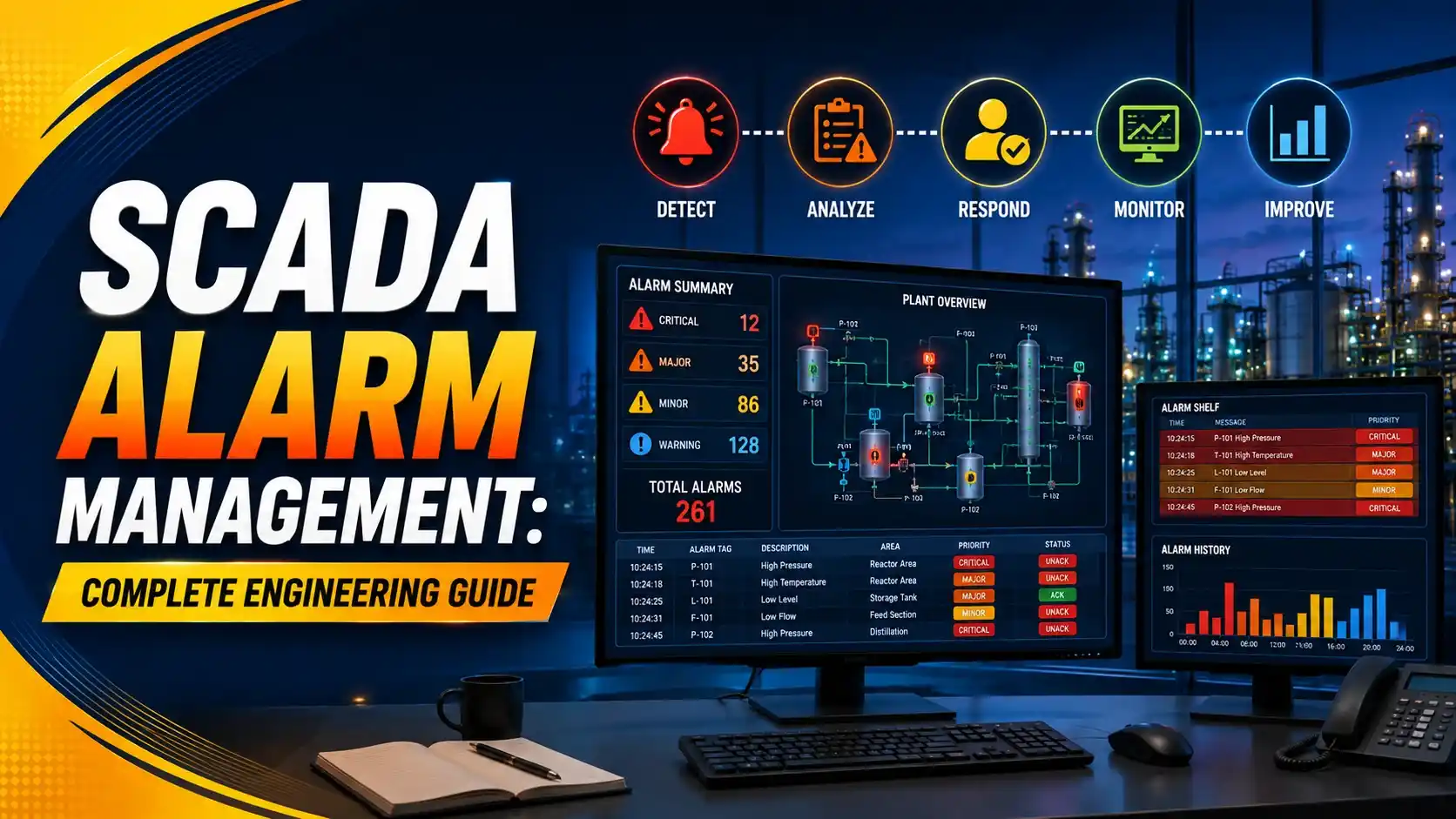
SCADA alarm management fixes this by controlling how many alarms exist, how they are prioritized, and how they behave during a plant upset.
Our ISA-18.2 alarm management guide covers the standard itself in detail. This article focuses on the practical SCADA side: flooding, rationalization workflow, and the KPIs engineers track day to day.
What an Alarm Flood Actually Looks Like
An alarm flood happens when a single process upset triggers a chain reaction of alarms across many related tags, all within a few minutes.
During a flood, alarms can arrive faster than an operator can read the alarm banner, let alone act on each one. The most important alarm can get lost in the noise.
This connects directly to the redundancy work covered in our SCADA redundancy architecture guide, since a flooded alarm system and an unreliable SCADA server can both hide the same underlying problem from operators.
Alarm count over ten consecutive minutes — the tall bars mark a flood triggered by one upset
Industry benchmarking data, summarized in this review of alarm management performance numbers, shows that a healthy system rarely exceeds one or two alarms per ten minutes on average, even though real plants often run far above that.
How Alarm Priority Should Actually Be Distributed
Not every alarm deserves the same urgency. A well-rationalized alarm system follows a rough target distribution across priority levels.
If most alarms end up marked Critical or High, the priority system has stopped meaning anything. Operators can no longer tell which alarm truly needs attention first.
The same alarm and event records are usually kept long-term through the historian, which lets engineers analyze priority distribution after the fact.
Alarm Rate Benchmarks Engineers Use
| Average Alarm Rate (per 10 min) | Rating | What it Means |
|---|---|---|
| 1 or fewer | Acceptable | Operators can review and act on every alarm calmly |
| Above 1, up to 2 | Manageable | Workable, but close to the edge of overload |
| Above 2, up to 5 | Demanding | Operators are likely missing or delaying responses |
| Above 5 | Very Likely Unacceptable | Flood conditions, real risk of missed alarms |
These bands come from long-running industry benchmarking against the EEMUA 191 guide for alarm systems, referenced in the same alarm management performance review.
Try It: Alarm Rate and Flood Risk Calculator
This calculator estimates your average alarm rate per ten minutes and compares it against the industry benchmark bands above.
Working Through the Numbers
Take an operator shift with 144 total alarms logged over a 12-hour shift.
Shift Duration = 12 hours
Step 1: Number of 10-Minute Intervals = 12 × 6 = 72
Step 2: Alarm Rate = 144 ÷ 72 = 2.00 alarms per 10 minutes
Step 3: Rating = Manageable, right at the upper edge of the acceptable band
A rate of exactly 2.00 sits right on the boundary. A slightly busier shift would push this system into the Demanding band, which is a useful early warning sign for the engineering team.
Tracking this rate alongside the availability math from our DCS controller redundancy guide gives a fuller picture of overall system health.
The Alarm Rationalization Workflow, Step by Step
Pull the full alarm inventory
List every configured alarm in the SCADA system, including ones nobody remembers setting up.
Analyze the alarm log for the worst offenders
Find tags that fire the most, especially ones that chatter on and off repeatedly.
Rationalize each alarm's purpose and priority
Confirm every alarm demands a real operator action, and set priority based on consequence and time to respond.
Apply deadbands and delays to chattering alarms
Stop a tag from repeatedly alarming and clearing on small, normal fluctuations.
Design flood suppression for known upset scenarios
Group alarms that always fire together during one root cause, so operators see one clear signal instead of twenty.
Monitor the KPIs and repeat regularly
Track alarm rate and flood time monthly. Alarm systems drift out of tune again if nobody watches them.
Good Practices for SCADA Alarm Management
✓ Do
- Track alarm rate per shift as a routine engineering KPI
- Rationalize new alarms before they go live, not after
- Apply deadbands to chattering tags as soon as they are found
- Review priority distribution regularly against the target bands
✗ Don't
- Mark most alarms as High or Critical priority by default
- Let operators live with chronic nuisance alarms for months
- Add new alarms without checking if one already covers the risk
- Assume alarm tuning is a one-time project instead of ongoing work
Worth Reading if You Want to Go Deeper
Questions Students and Technicians Often Ask
External References
What We Learn Today
- SCADA alarm management controls how many alarms exist, how they are prioritized, and how they behave during a plant upset.
- An alarm flood happens when one upset triggers a rapid chain of alarms that overwhelms an operator's ability to respond.
- A worked example showed a 12-hour shift with 144 alarms landing at exactly 2.00 alarms per 10 minutes, right on the edge of the Manageable band.
- Alarm rationalization is an ongoing workflow, not a one-time project, and needs regular KPI monitoring to stay effective.