
PLC offline programming means editing the program on a PC without connecting to the running controller. Online programming means making changes while the PLC is scanning.
Each mode has specific uses, risks, and restrictions.
We will understand what happens inside the controller during an online edit versus a full program download, and why the choice between the two matters for plant safety and production continuity.
We will also cover what types of changes can and cannot be made online, the risks of each approach, and a practical decision guide so you can choose the right method for every situation you face on site.
Choosing the wrong programming mode can stop production, corrupt data, or cause unexpected machine movement. Understanding this difference is a critical skill for any PLC engineer on live plant.
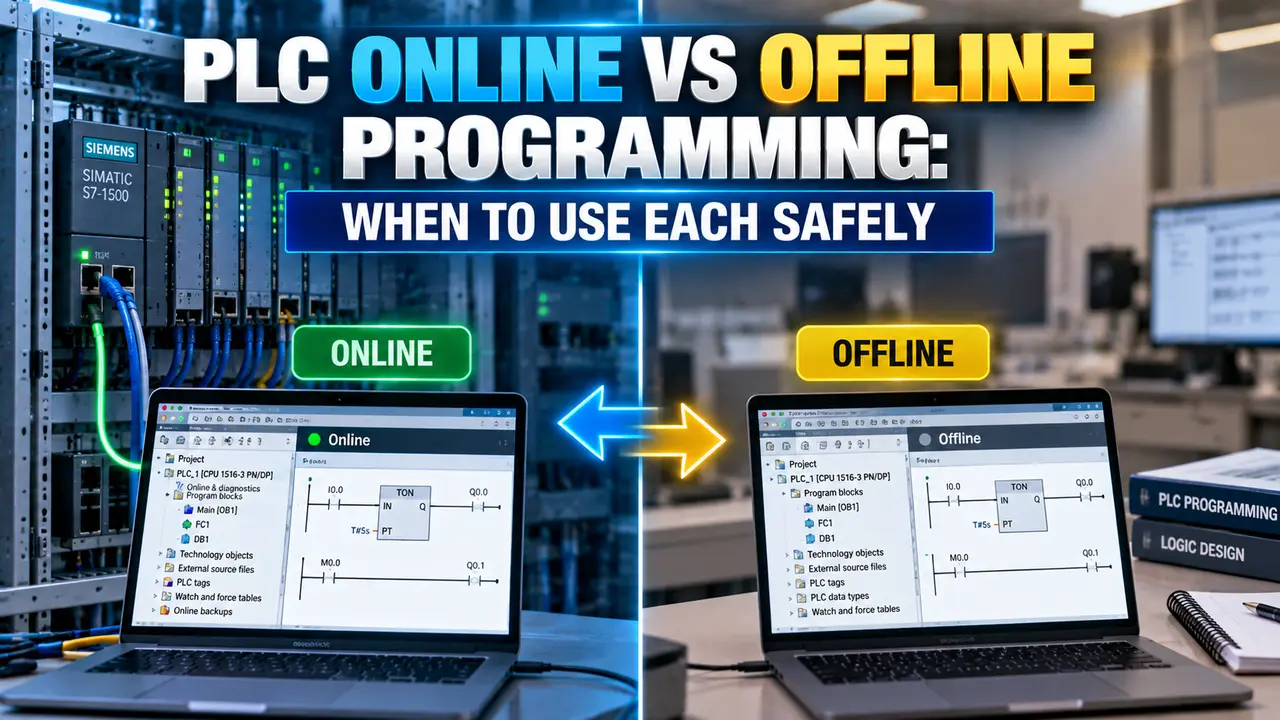
PLC Online, Offline Programming: What Each Mode Means
The programming PC is connected to the running PLC. Changes are made to individual rungs while the processor continues scanning. Each change is accepted without stopping the machine.
The program in the PLC and the program on the PC are kept in sync. Changes apply immediately on the next scan after acceptance.
The engineer edits the program on the PC without being connected to the PLC. Changes are completed on the PC first, then downloaded to the PLC as a complete program file.
Downloading a full program requires the PLC to enter Program mode, stopping all outputs and halting the machine during the transfer.
When to Use Online Editing
Online editing is the right choice when the machine must keep running and the change is small.
Use it for minor logic corrections, adding rungs for sensors, adjusting timer presets, or adding alarm rungs.
An online edit applies to the live running system immediately on acceptance. If your new rung contains a logic error, the machine may respond immediately in an unexpected way. Always use a one-shot or a controlled condition contact in front of new outputs during online edits so the output does not energise unexpectedly the moment you accept the rung. Never make multiple dependent rungs online without a clear understanding of the intermediate state an incomplete set of changes may create a dangerous or invalid logic state that the PLC scans for one or more cycles before the next rung is added.
When to Use Offline Programming and Download
Offline programming is the right choice for new projects, major logic restructuring, and changes to restricted areas. All new PLC programs are written offline.
Changes to interrupt routines, system configuration, and safety programs require a full download because online editing is not permitted there.
Before downloading an offline-edited program to a live PLC, first upload the program currently in the PLC to your PC and compare them. If the PLC program has online edits that are not in your PC file, your download will overwrite those changes permanently. Use the compare function available in most PLC programming software (RSLogix, TIA Portal, GX Works) to identify every difference between your offline file and the live controller before committing to the download.
Changes That Cannot Be Made Online
Most PLC platforms restrict what can be changed while the processor is running. Attempting to edit restricted areas online produces an error or requires a transition to Program mode.
This applies across Allen Bradley ControlLogix, Siemens S7, and Mitsubishi Q series.
| Change Type | Online Edit Allowed? | Reason |
|---|---|---|
| Standard ladder rung additions | Yes, in most platforms | A single rung can be added between scan cycles without affecting the surrounding logic. |
| Timer and counter preset values | Yes | Data value change only. Does not affect the logic structure or scan sequence. |
| Interrupt routine (STI, HSC, event task) | No requires download | The interrupt can fire during an edit, creating an inconsistent mid-change state that the processor cannot handle safely. |
| System configuration (rack, slot, I/O type) | No requires download | Configuration changes affect the I/O table structure. Applying them online would corrupt the live I/O map. |
| Safety controller program (SIL rated) | No requires download plus verification | Safety PLCs require a full download, functional verification, and sign-off before returning to Run mode. Online editing is not permitted by IEC 61508 requirements. |
| Motion axis configuration | No requires download | Motion parameters affect drive tuning and physical axis movement. An online change could cause immediate unexpected axis motion. |
| Structured text or FBD routines | Limited platform dependent | Some platforms allow online editing of text-based routines. Others require a download due to the way the code is compiled. |
Online Edit vs Offline Download: Full Comparison
| Feature | Online Edit | Offline Download |
|---|---|---|
| Machine must stop? | No | Yes (enters Program mode) |
| Live data preserved? | Yes | No data is overwritten |
| Change applies immediately? | Yes, on next scan after accept | After full download completes |
| Verification before apply? | No only after apply | Yes can simulate offline first |
| Risk if error made | Immediate effect on running machine | Effect only after machine restart |
| Interrupt routines | Not permitted | Required |
| System configuration | Not permitted | Required |
| New program commissioning | Not applicable | Required |
| Best for | Minor corrections on live plant | Major changes, new programs, restricted areas |
Watch: PLC Online Rung Edits in Studio 5000
PLC Online vs Offline Programming Questions Engineers Ask
Related Articles on This Site
- How PLC Scan Cycle Works
- PLC Memory Addressing Explained
- PLC Watchdog Timer Explained
- PLC Redundancy and Hot Standby
- Ladder Logic for Beginners
External References
- PLC Offline Programming Benefits and Online Editing Constraints | Industrial Monitor Direct
- Logix5000 Online Edits User Manual | Rockwell Automation
What We Learn Today
- Online editing makes changes to the running PLC one rung at a time while the machine continues operating. The change applies on the very next scan after acceptance. Live data (recipes, setpoints, counter values) is preserved. Offline programming edits the complete program on the PC, then downloads it, which stops the scan and de-energises all outputs.
- Online editing cannot be used for interrupt routines, system configuration, safety controller programs, or motion axis configuration. These always require a full offline download with the machine stopped. Always use controlled conditions in new rungs during online edits to prevent outputs from energising unexpectedly on acceptance.
- A full program download overwrites all data in the PLC memory. Before downloading an offline file to a live PLC, always upload the running program first and compare it with your offline file. Any online edits made since the file was last saved will be permanently lost if you download without checking first.