
Every plant collects millions of historian values, yet managers still ask for a simple shift report by morning. Turning raw tags into clear, trusted reports is where the real value of a control system shows up.
Operators watch live screens, but supervisors, auditors and planners read reports. Well designed reports pull historian data into summaries that support production, quality, energy and maintenance decisions.
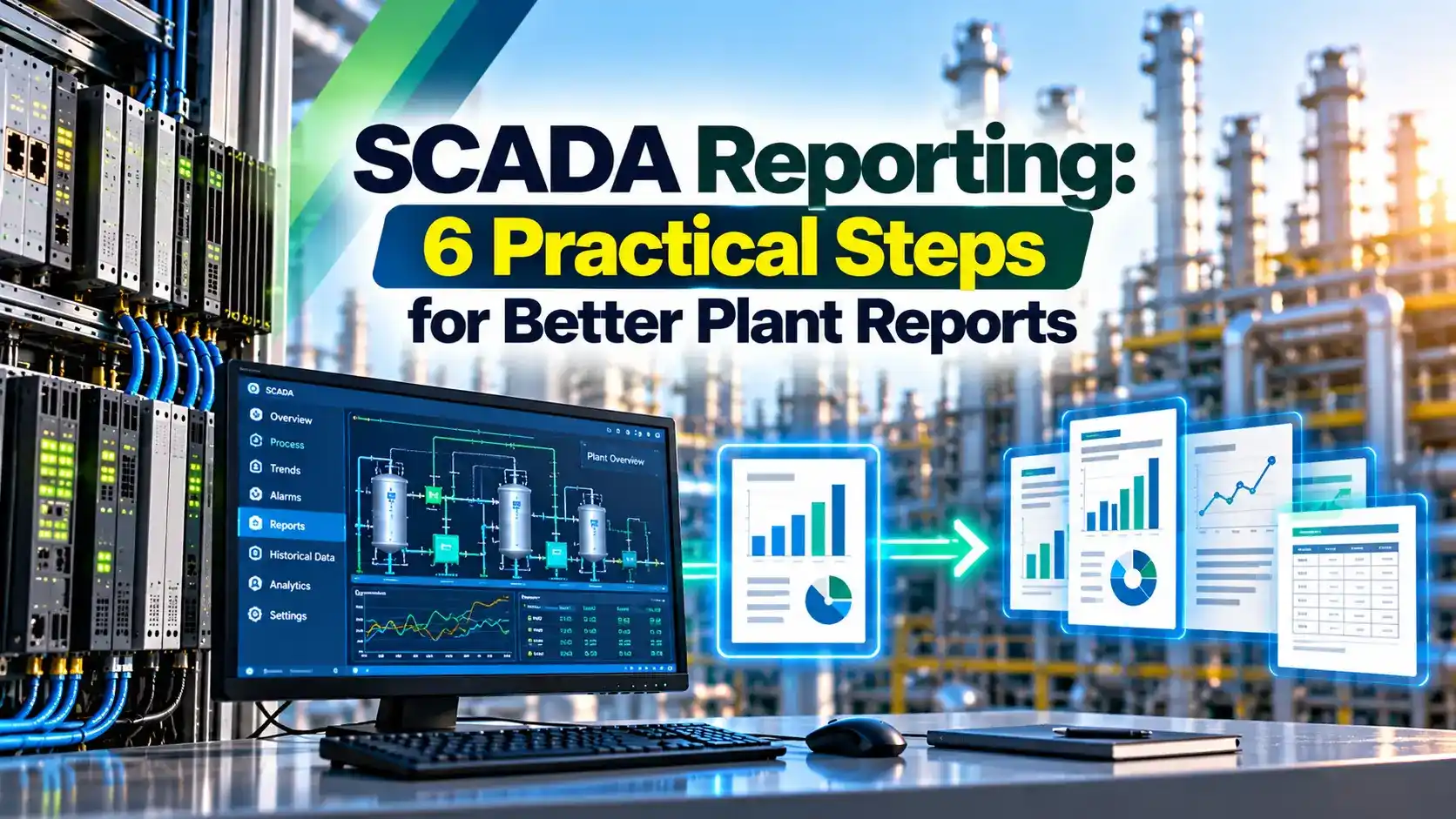
What Is SCADA Reporting?
SCADA reporting is the process of turning stored process data, alarms and events into structured summaries such as shift, daily and monthly reports. It sits on top of the data collection layer described in how SCADA systems work.
Sielco Sistemi groups plant reports into four families: production, quality, energy and maintenance. Each family answers a different question for a different reader.
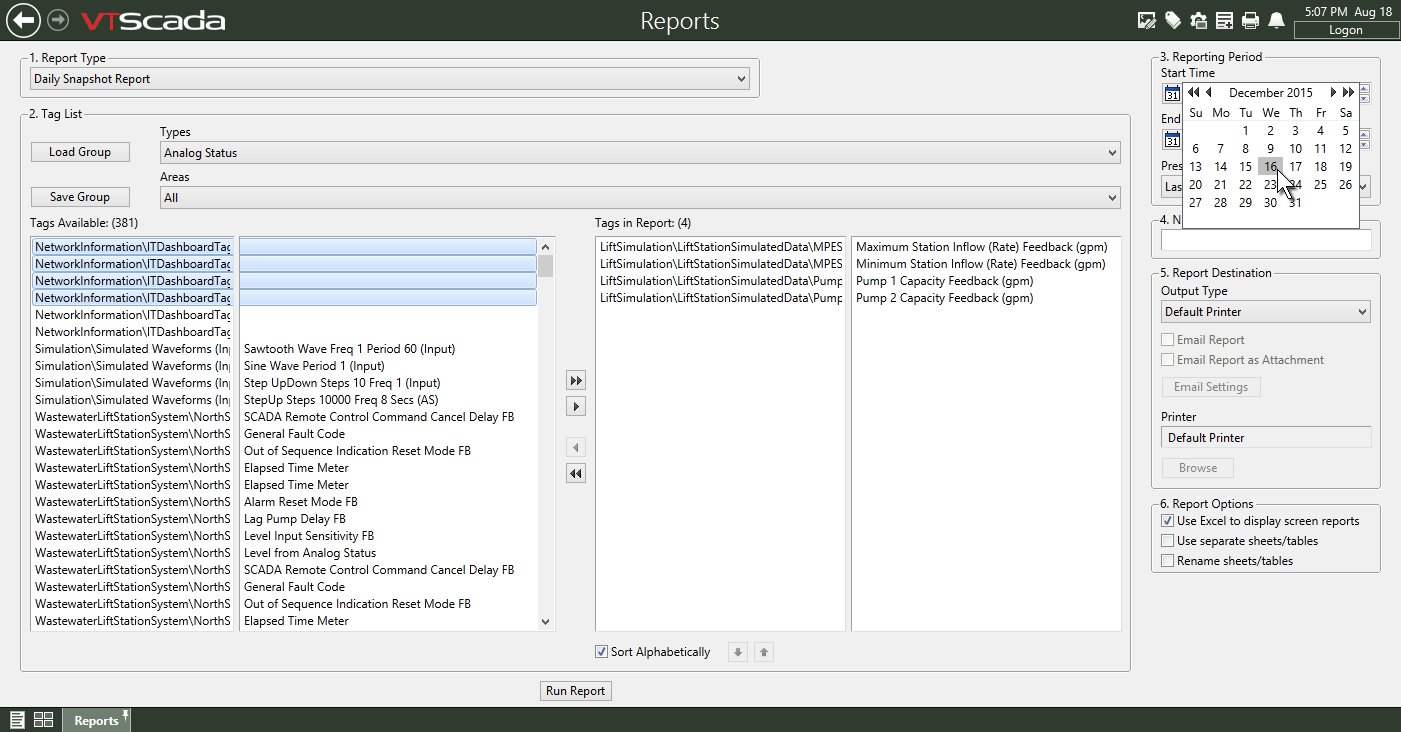
The raw material for every report is the historian, explained in what is a process historian. Compression and sampling settings decide how accurate the report totals will be.
DCS vendors use a similar layered design, as covered in DCS historian data storage. The report engine reads, aggregates and formats that stored data.
Four SCADA Reporting Families
Output, batches, runtime and downtime per shift.
Lab results, deviations and batch records.
Power, steam and fuel per unit of product.
Run hours, trips and starts per asset.
Keep each report short and focused on one reader. A single report that tries to serve everyone usually serves nobody.
SCADA Reporting Triggers Explained
| Trigger | When It Runs | Typical Example |
|---|---|---|
| Scheduled | Fixed time or period | Shift, daily and monthly summaries |
| On demand | Operator or manager request | Report for a chosen date range |
| Event driven | A process event occurs | Batch end report or trip record |
Sielco Sistemi describes these three trigger types as the core of report automation. Event driven reports are valuable because they capture context at the exact moment something happened.
SQL Integration and Plant Reports
According to Sielco Sistemi, SQL integration turns the historian from a closed archive into an open resource for ERP, business intelligence and compliance tools. This matches the level 3 and level 4 link in the ISA 95 automation pyramid.
Enterprise historians often sit between the control network and the business network, as shown in SCADA historian integration. Expose read only views rather than direct write access to the database.
6 Practical Steps for Better SCADA Reporting
Clean tag structure makes reports far easier to build, see SCADA tag database design. Reports that pull many raw values also grow storage, a topic covered in SCADA database growing too fast.
Use pre calculated hourly aggregates for long period SCADA reporting. Querying raw one second data for a monthly report is slow and loads the historian.
Specific Energy Formula
Specific energy = Energy used ÷ Production
Energy cost per tonne = Specific energy × Tariff
Example, one day:
Start 125400 kWh, end 138600 kWh, energy used 13200 kWh
Production 480 t, specific energy = 13200 ÷ 480 = 27.50 kWh per tonne
Tariff 8 INR per kWh gives 220.00 INR per tonne
Energy reports are only as good as the meters behind them, so review electrical energy consumption calculation. Trend specific energy per shift to catch waste early.
Energy per Tonne Calculator
Meter rollover must be handled in the report logic. Always check that the counter did not wrap during the period.
- Consistent, repeatable plant summaries.
- Less manual data entry.
- Audit ready records with time stamps.
- Faster decisions for managers.
- Garbage tags give garbage totals.
- Heavy queries can slow the historian.
- Templates need upkeep after plant changes.
- Open SQL access needs careful security.
Larger sites should standardise templates across plants, one of the ideas in enterprise SCADA tips. Cloud dashboards are growing too, compared in SCADA vs IIoT.
VTScada Report Datasheet PDF
Historian and SQL Reporting Video
SCADA Reporting FAQ
Related Articles
- What Is a Process Historian
- SCADA Historian Integration
- DCS Historian Explained
- SCADA Tag Database Design
- ISA 95 Automation Pyramid
External References
- Report Generation Standard Component Datasheet, Trihedral VTScada
- Reporting and SQL Integration, Sielco Sistemi
- SCADA, Wikipedia
What We Learn Today
- SCADA reporting turns historian data into focused plant summaries.
- Reports run on a schedule, on demand or when events occur.
- SQL integration opens historian data to ERP and BI tools.