
Business users want plant data, vendors want remote access and IT wants to push patches, yet every direct path into the control network is a path for attackers too. A buffer zone in the middle lets data flow while no session ever crosses straight through.
Connecting the office network directly to control systems is one of the most common and dangerous OT mistakes. A dedicated buffer network between them brokers every exchange so neither side talks to the other directly.
What Is an Industrial DMZ?
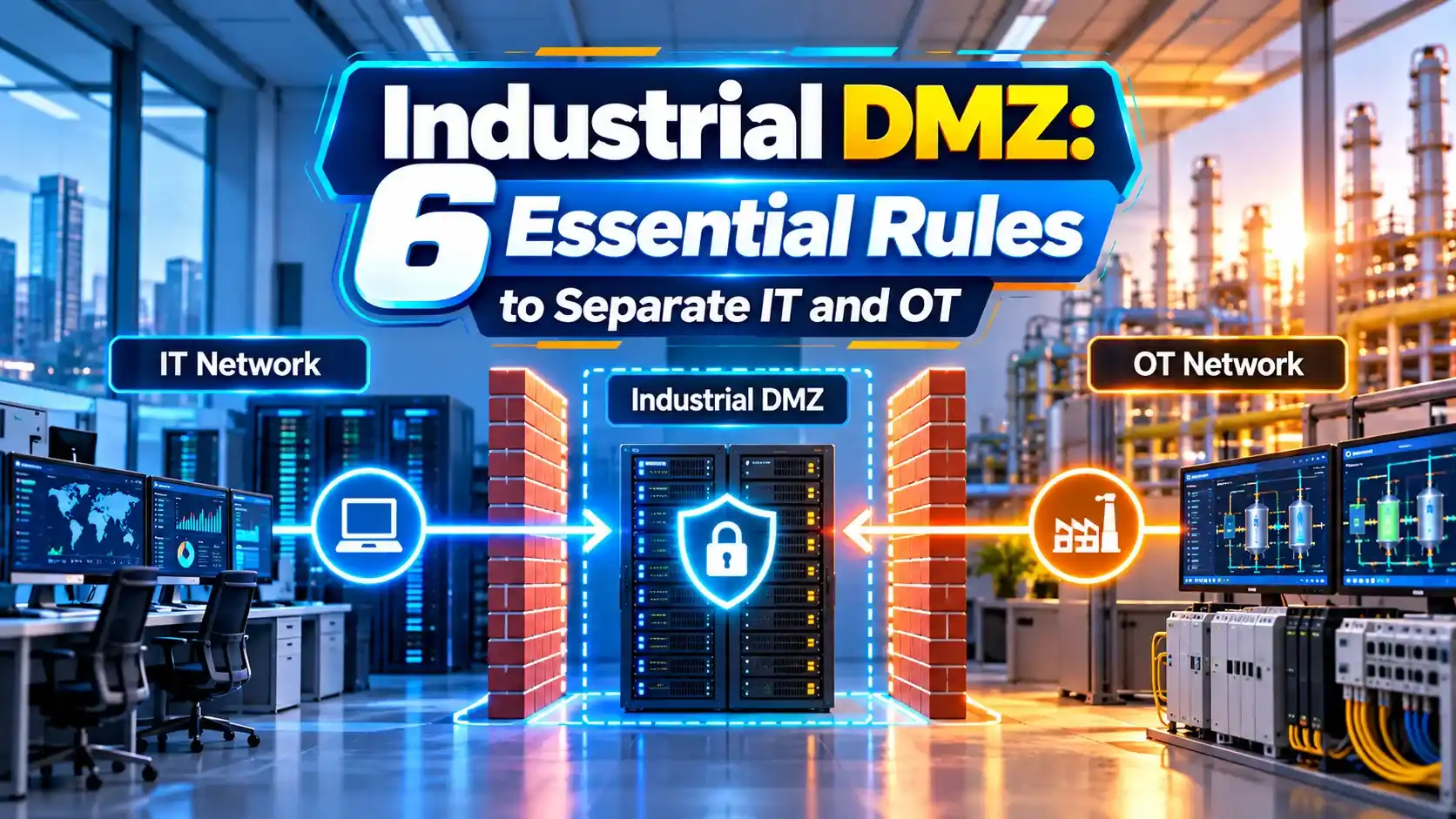
An industrial DMZ, often called IDMZ or level 3.5, is a separate network zone between the enterprise IT network and the operations network, where all traffic between the two ends and is brokered by dedicated servers. It builds on the Purdue model for ICS security.
Palo Alto Networks explains that levels 0 to 3 are the OT side and levels 4 to 5 are the IT side. Level 3.5 was not part of the original Purdue model but is now considered essential.

The core rule is that no traffic passes straight through. A user on the office network connects to a server in the DMZ, and that server separately connects to the plant.
In IEC 62443 terms, the zone is a conduit with strong controls, as described in IEC 62443 zones and conduits.
What Lives in the Industrial DMZ
A copy of plant data for business users.
Jump host with MFA for vendors and engineers.
Stage updates before they enter OT.
Scanned, logged file exchange.
The historian mirror means business users never query the real process historian. Replication runs outward from OT only.
Remote sessions land on a jump host and are recorded, following the practices in PLC remote access security.
Firewall Designs
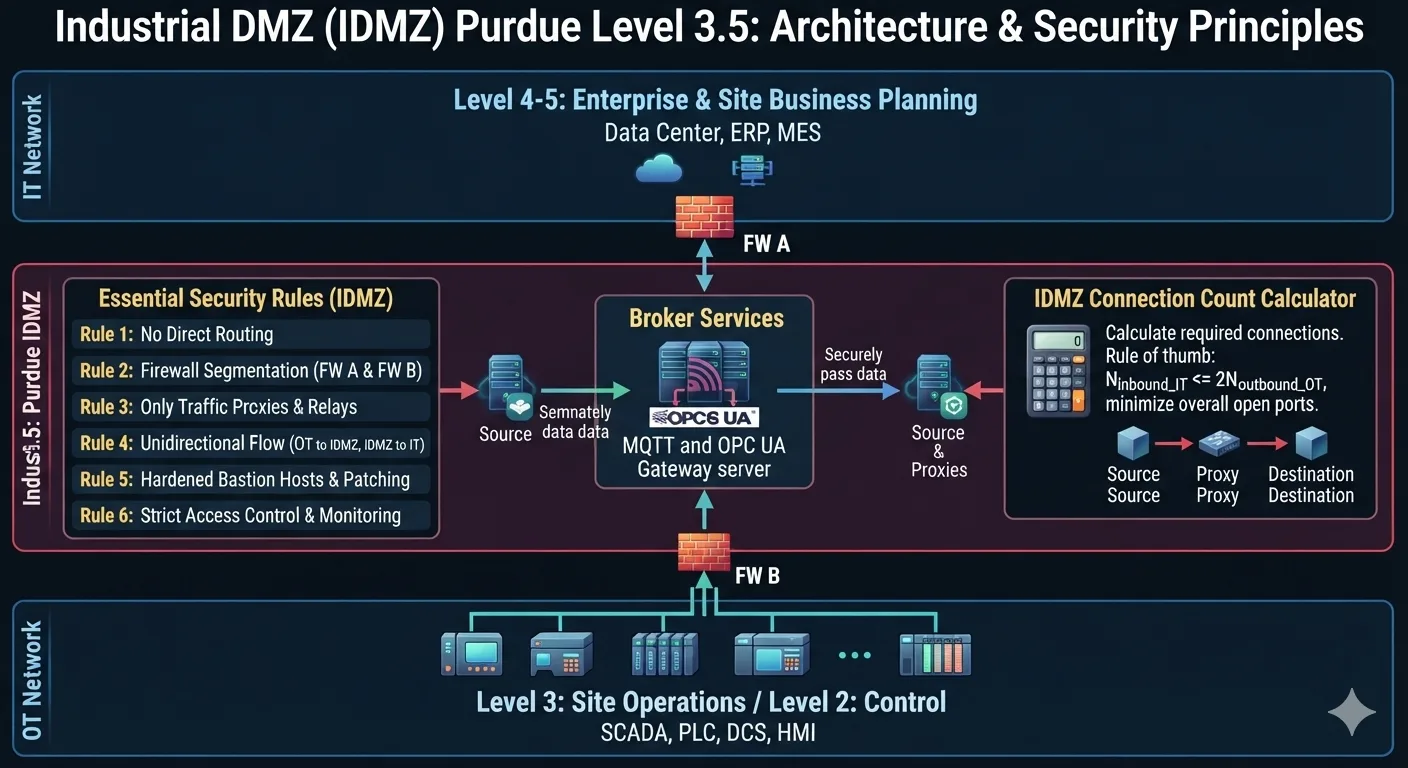
The Cisco and Rockwell Automation CPwE design guide describes securely traversing data across the IDMZ with back to back firewalls or a three legged firewall. Many sites use two different firewall vendors for extra defence.
Rules must deny by default and allow only listed ports between named hosts. Any rule that allows IT to OT directly defeats the design.
6 Essential Industrial DMZ Rules
These rules support a zero trust OT architecture, where every connection is verified. They also appear in most SCADA security checklists.
Avoid dual homed computers with one card in IT and one in OT, as explained in air gapped vs segmented networks.
Why Brokers Reduce Connections
Brokered paths = OT servers + IT consumers
Example:
6 OT data sources and 40 IT consumers
Direct design = 240 firewall paths to manage
Industrial DMZ design = 46 paths, over 80 percent fewer
Fewer paths mean fewer firewall rules, simpler audits and a smaller attack surface. That is the practical value of a broker based design.
Connection Count Calculator
Very small systems may see little saving. The security benefit of breaking direct sessions still applies.
- No direct IT to OT sessions.
- Smaller attack surface.
- Controlled vendor access.
- Easier audits and compliance.
- Extra servers to maintain.
- Replication design effort.
- Needs skilled firewall management.
- Temptation to add exceptions.
Understanding common types of cyber attacks helps justify each rule to management.
Cisco and Rockwell IDMZ Guide PDF
Industrial Demilitarized Zone Video
Industrial DMZ FAQ
Related Articles
- Purdue Model ICS Cybersecurity
- IEC 62443 Zones and Conduits
- Zero Trust for OT Networks
- Air Gapped vs Segmented Networks
- SCADA Network Security
External References
- IDMZ Design Guide, Cisco and Rockwell Automation
- Purdue Model for ICS Security, Palo Alto Networks
- DMZ in Computing, Wikipedia
What We Learn Today
- An industrial DMZ brokers every exchange between IT and OT.
- Historian mirrors, jump hosts and patch servers live in level 3.5.
- Deny by default and never allow direct IT to OT sessions.