
A DCS historian is the part of the system that remembers everything the plant did. Every temperature, pressure, and flow value the controllers see gets copied here, compressed, and kept for months or years.
In this guide, we explain where a DCS historian sits in the system, how it turns raw controller data into stored records, and how engineers use that stored data every day.
A DCS historian is a dedicated node in a distributed control system that collects process values from controllers at set intervals, compresses them, and stores them long-term, so operators and engineers can retrieve trends, reports, and past events whenever needed.
DCS Historian: How this is Useful in Plants
A DCS controller only keeps its live values in working memory. Once a new scan happens, the old value is usually gone unless something saves it first.
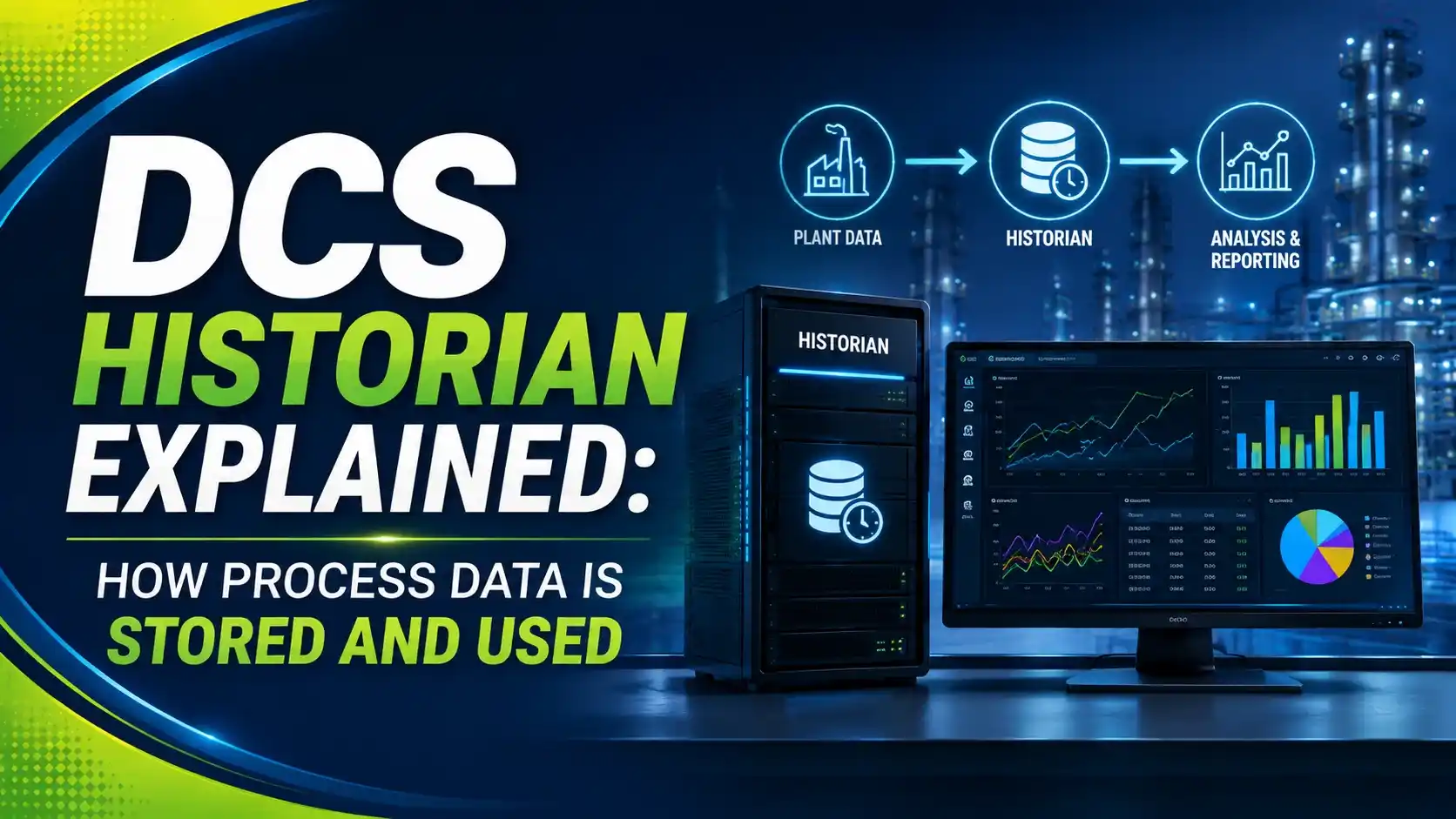
A DCS historian is that something. It sits on the plant network, asks the controllers and OPC UA servers for fresh values on a schedule, and writes them into a long-term store.
Without a historian, a plant would have no record of what actually happened last week, last month, or last year. Troubleshooting a quality problem or proving a batch met spec would be almost impossible.
This is a different job from the controller redundancy we covered in our DCS controller redundancy guide. Redundancy keeps the system running right now. The historian keeps a permanent record of what happened.
The Path a Value Takes From Field to Historian
Understanding where the historian sits in the architecture makes the whole idea much clearer.
Field Instrument
Sensor measures pressure, flow, or temperature
DCS Controller
Reads the value every scan and runs the control logic
Historian Node
Collects the tag value on a schedule, compresses, and stores it
Trends, Reports, Analytics
Engineers and operators pull the stored data back out
Each measurement point is called a tag. A historian may store a few hundred tags in a small plant, or hundreds of thousands of tags in a large refinery or power station.
Every stored sample usually carries three things: a timestamp, a value, and a quality flag showing whether the value was good, uncertain, or bad at that moment.
Why a Historian Compresses Data Instead of Saving Everything
If a historian saved every single scan for every tag, storage would fill up in days. So historians use compression methods built specifically for trend data.
The most common method is called exception and swinging-door compression. It only saves a new point when the value changes more than a small, allowed limit, called a deadband.
A steady tag, like a tank level that barely moves, ends up storing very few points. A tag that is constantly changing, like a fast flow loop, stores more points automatically, according to this explanation of exception and compression in a PI data archive.
This is different from simple file compression like a ZIP file. Historian compression is built to preserve the shape of the trend, not just shrink the file size.
Historian Storage Style vs a Normal Database
| Feature | DCS Historian | Regular Relational Database |
|---|---|---|
| Built for | Time-stamped trend data | Transactional records like orders, invoices |
| Compression | Exception and swinging-door, deadband based | Generic file or block compression |
| Write pattern | Millions of small, fast, sequential writes | Mixed reads and writes, often smaller volume |
| Typical query | Trend over a time range for one or many tags | Lookup by ID, join across tables |
| Retention | Months to many years | Varies, often shorter for transactional data |
Try It: Historian Storage Sizing Calculator
This calculator gives a simple estimate of how much disk space a historian needs, based on tag count, scan interval, and compression.
Let Us Take an Example
Take a plant with 500 tags, scanned every 5 seconds, storing 12 bytes per sample, with 10:1 compression, kept for 2 years (730 days).
Scan Interval = 5 seconds
Bytes per Sample = 12
Compression Ratio = 10:1
Retention = 730 days
Step 1: Samples per Tag per Day = 86400 ÷ 5 = 17,280
Step 2: Raw Bytes per Day = 500 × 17,280 × 12 = 103,680,000 bytes/day
Step 3: Compressed Bytes per Day = 103,680,000 ÷ 10 = 10,368,000 bytes/day
Step 4: Total Storage = 10,368,000 × 730 = 7.57 GB
A modest 500-tag historian needs only about 7.57 GB for two full years of data, once compression is applied. Without compression, that same two years would need roughly 75.7 GB.
How Engineers Actually Use Stored Historian Data
Troubleshooting
Pull up the trend from the exact moment a fault happened, instead of guessing from memory.
Batch and Quality Records
Prove a batch stayed within its approved temperature or pressure limits, matching the reporting expectations set out in ISA-88 batch control.
Energy and Efficiency Reports
Compare fuel or power use across shifts, days, or production campaigns.
Predictive Maintenance
Spot a slow drift in vibration or temperature months before it becomes a failure, the same principle behind our predictive vs preventive maintenance guide.
A Simple Way to Plan a Historian for a New Plant
List the tags that actually need history
Not every tag needs long-term storage. Focus on process, quality, and safety-relevant points first.
Set a realistic scan interval per tag
Fast loops may need a 1-second scan, while a slow tank level can be scanned far less often.
Choose sensible deadband settings
A deadband too tight stores too much data, and one too wide can hide real process changes.
Estimate storage before buying hardware
Use a sizing calculation like the one above, then add margin for tag growth over the plant's life.
Plan backup and redundancy for the historian itself
Losing years of stored data to one failed disk defeats the entire purpose of keeping it.
Test data retrieval, not just data collection
Confirm engineers can actually pull a fast, accurate trend before the system goes live.
Good Practices for DCS Historian Setup
✓ Do
- Review and tune deadband settings after the plant has run for a while
- Keep the historian on redundant hardware or with a backup strategy
- Document which tags are historized and at what interval
- Archive older data to cheaper storage instead of deleting it outright
✗ Don't
- Historize every single available tag without reviewing the need
- Set every scan interval to the fastest possible value by default
- Leave the historian as a single point of failure with no backup
- Assume storage will always be enough without checking growth over time
Worth Reading if You Want to Go Deeper
Questions Students and Technicians Often Ask
External References
- PiSharp: Understanding Exception and Compression in PI Data Archive
- DataPARC: Rethinking Data Compression for Process Historians
What We Learn Today
- A DCS historian is a dedicated node that collects, compresses, and stores process data from controllers for the long term.
- Exception and swinging-door compression save storage by only recording a new point when a value changes beyond a set deadband.
- A worked example showed a 500-tag historian, scanned every 5 seconds with 10:1 compression, needing about 7.57 GB for two years of data.
- Stored historian data supports troubleshooting, quality records, energy reporting, and predictive maintenance across the plant.