
Industrial protocols were built for trusted networks, so any device that reaches a PLC can usually command it. Filtering traffic by what each message actually does, not just by address and port, closes that dangerous gap.
A normal IT firewall sees only addresses and ports, so it cannot tell a harmless read from a dangerous write. Protocol aware filtering looks inside each Modbus message and allows only what the process truly needs.
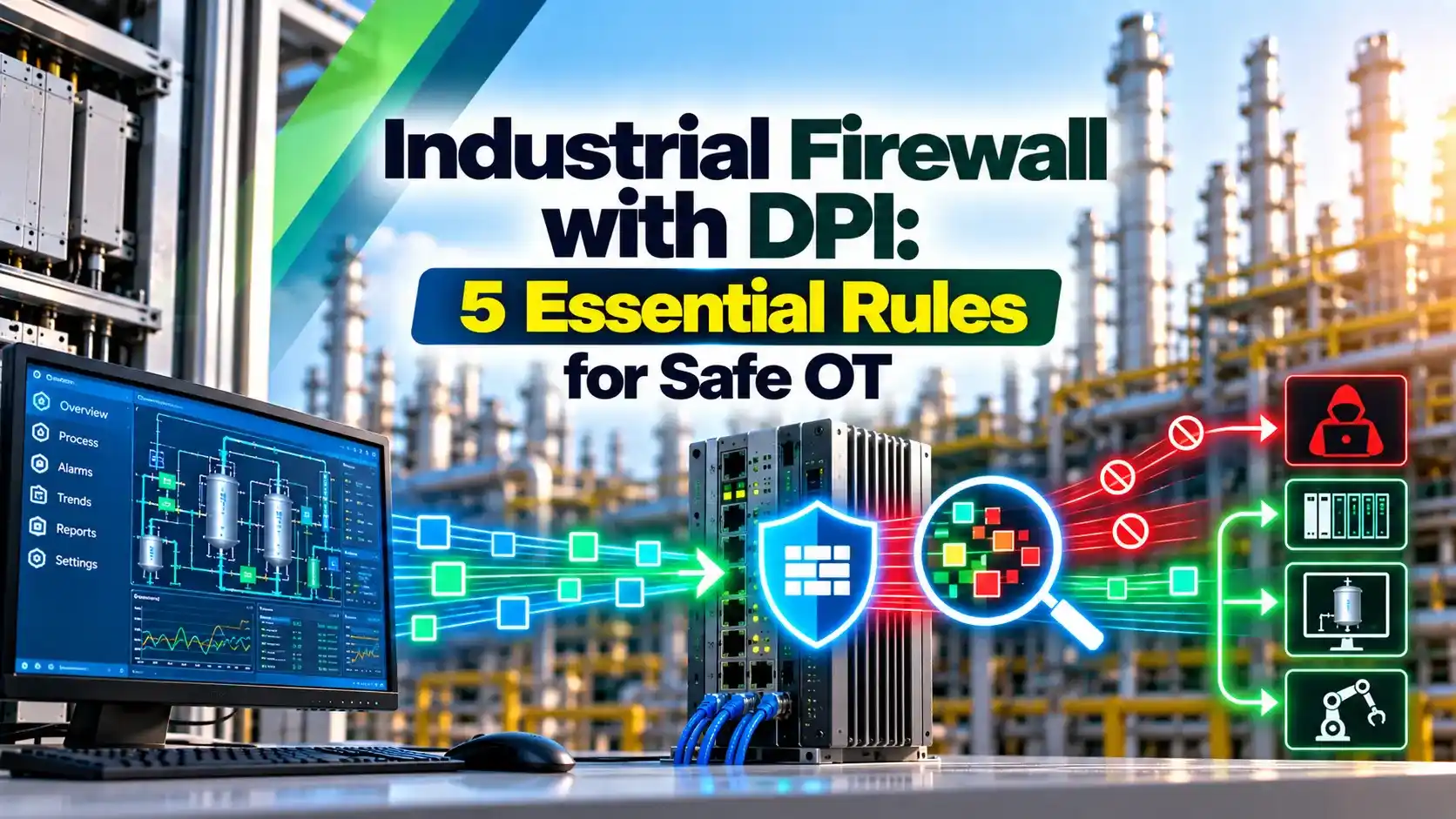
What Is an Industrial Firewall?
An industrial firewall is a rugged, protocol aware security device placed between control network zones that filters traffic by address, port and the content of industrial messages. It enforces the conduits described in IEC 62443 zones and conduits.
Moxa points out that Modbus TCP has no built in security, so any host that reaches a PLC on port 502 can read or write it. The protocol itself is explained in Modbus protocol explained.

An industrial firewall is usually DIN rail mounted, fanless and rated for wide temperatures. Many also support transparent bridge mode so they can be added without readdressing the network.
Stateful Inspection vs Deep Packet Inspection
| Feature | Stateful Inspection | Deep Packet Inspection |
|---|---|---|
| Checks addresses and ports | Yes | Yes |
| Tracks sessions | Yes | Yes |
| Reads Modbus unit ID | No | Yes |
| Filters by function code | No | Yes |
| Allows reads, blocks writes | No | Yes |
| Checks register ranges | No | Often yes |
Moxa explains that DPI filters on the Modbus unit ID and function codes, so it can allow reads and block writes, something stateful inspection cannot do. A SCADA historian can then read data without any ability to change setpoints.
The Tofino Modbus TCP enforcer from MTL applies the same idea, with a default deny policy for anything not listed. Similar filtering exists for other protocols compared in DNP3 and IEC 60870 5 104.
Where to Place an Industrial Firewall
The layers follow the Purdue model for ICS security. Placing a small DPI device right in front of critical controllers adds protection even inside the control zone.
Switches alone do not filter by function, see network switches for SCADA and DCS. Segmentation choices are compared in air gapped vs segmented ICS networks.
5 Essential Industrial Firewall Rules
Start a new industrial firewall in a test or monitor mode to learn real traffic before enforcing. A rule that blocks a legitimate write can stop production just like an attack.
Modbus Function Code Classes
Write codes: 5, 6, 15, 16, 21, 22 and 23, allow only for approved masters
Example:
Historian sends function code 16, Write Multiple Registers
Policy for the historian is read only
Result: class write, action block
Function code 23 reads and writes in one message, so treat it as a write. Diagnostic codes such as 8 should also be restricted, since some sub functions can force a device into listen only mode.
Function Code Checker
Codes above 127 are exception responses from the slave, not requests. Any unusual code seen on the network is worth investigating.
- Blocks unauthorised writes to PLCs.
- Works with legacy devices unchanged.
- Rugged hardware for panels.
- Clear logs of blocked commands.
- Rules need protocol knowledge.
- Encrypted traffic cannot be inspected.
- Wrong rules can stop production.
- Adds a device that must be maintained.
Firewalls are one layer in a wider program aligned with PLC cybersecurity standards. Combine them with the practices in SCADA network security and a zero trust approach for OT.
Understanding common threats helps you write better rules, see types of cyber attacks. Review the rule set after every plant modification.
Tofino Modbus DPI Data Sheet PDF
Modbus Deep Packet Inspection Video
Industrial Firewall FAQ
Related Articles
- IEC 62443 Zones and Conduits
- Purdue Model for ICS Cybersecurity
- Modbus Protocol Explained
- SCADA Network Security
- Zero Trust for OT Networks
External References
- Tofino Modbus TCP Deep Packet Inspection LSM Data Sheet, MTL
- How Deep Packet Inspection Helps Protect Industrial Control Systems, Moxa
- Deep Packet Inspection, Wikipedia
What We Learn Today
- An industrial firewall with DPI filters Modbus by unit ID and function code.
- It can allow reads and block writes, which stateful rules cannot.
- Start with default deny, test in monitor mode, then enforce.