
Every DCS eventually reaches the point where the vendor stops supporting it, spare parts dry up, and the plant has to decide how and when to migrate before a failure decides for them.
DCS migration and obsolescence management is the disciplined process of tracking a control system's aging risk and planning its replacement before spare parts run out or an unsupported platform causes an outage nobody can quickly fix.
This builds on our earlier look at what a DCS is and how controller redundancy keeps a system running through a single hardware fault.
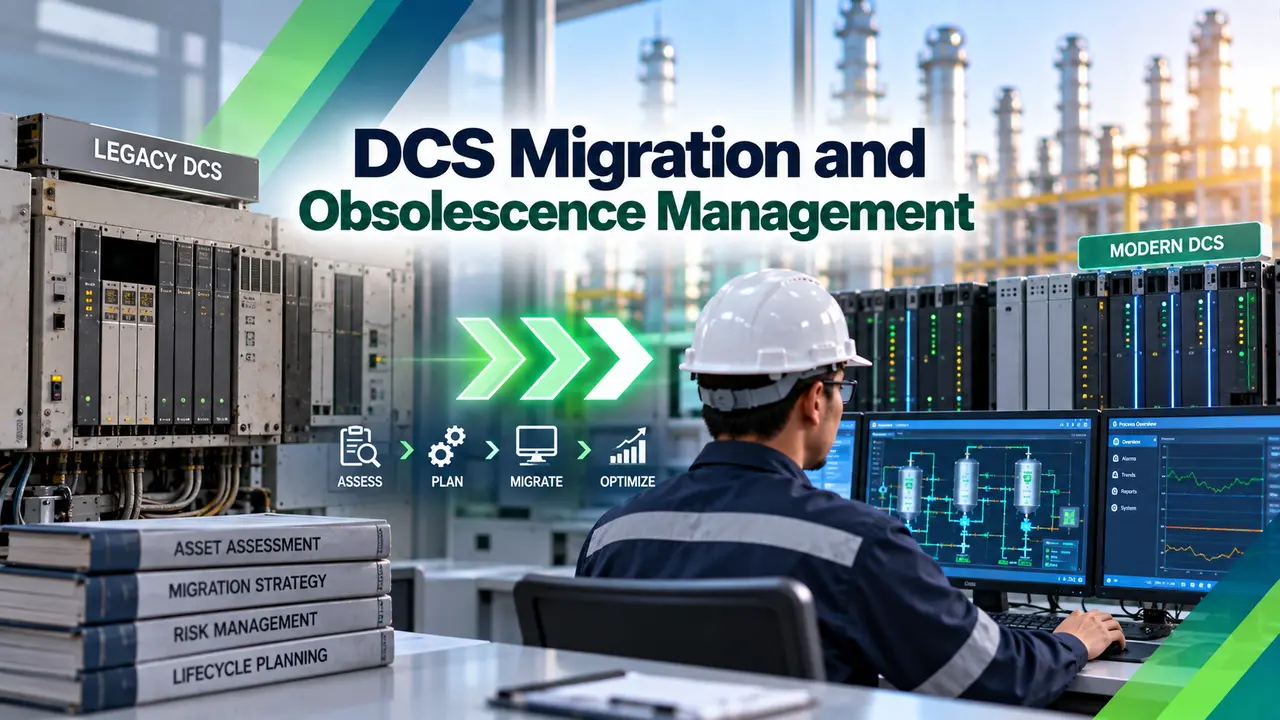
What DCS Obsolescence Actually Means
Obsolescence begins the moment a vendor formally announces end of life or end of support for a platform, after which spare controller cards, I/O modules, and power supplies gradually become harder and more expensive to find.
Many older systems still run on operating systems such as Windows XP or Server 2003 that no longer receive security patches, and the pool of engineers who understand a specific legacy configuration keeps shrinking as those people retire.
Why This Risk Is Real, Not Theoretical
A hardware failure with no available spare can mean an extended unplanned outage, and an unsupported operating system sitting on the plant network is a genuinely attractive target for anyone probing for a way in.
Rising maintenance costs and the disappearing talent pool compound the hardware risk, since a system that only one or two retiring engineers truly understand becomes harder to keep running safely every year that passes.
Three Migration Strategies Compared
Rip and replace is the fastest path on paper, but a continuous process plant rarely has the luxury of a shutdown window long enough to swap an entire control system in one go.
A phased hot cutover instead transfers control loop by loop, or unit by unit, each with its own defined success criteria and a fallback plan, so the plant never faces a full stop during the transition.
Key Planning Steps for a Migration Project
Testing Before Anything Goes Live
A factory acceptance test validates the new system offline before it ever ships, and a site acceptance test confirms it performs correctly once installed, both essential steps before any field signal actually gets cut over.
Skipping or rushing either test to save schedule time is one of the most common ways a migration project runs into trouble during the actual cutover weekend.
Common Vendor Migration Approaches
Virtualizing servers and operator workstations shrinks the hardware footprint and makes future upgrades easier, since a virtual machine can be replatformed without touching the underlying physical box every time.
Some plants replace operator stations and graphics first while keeping legacy controllers running longer underneath, staging the obsolescence reduction rather than tackling every layer at once.
Automated Conversion Tools
Modern migration tooling can automatically convert tag databases, control logic, and operator graphics from the old platform into the new one, cutting down the manual rebuild effort that used to dominate these projects.
These tools still need careful verification afterward, since an automated conversion error in control logic can introduce a subtle fault that only shows up once the loop is actually running in production.
Timeline and Cost Considerations
| Approach | Typical Timeline | Key Tradeoff |
|---|---|---|
| Rip and replace | Weeks to months of intensive outage work | Fastest but needs a long shutdown window |
| Phased hot cutover | Often three to seven years across turnarounds | No full shutdown, but a longer overall project |
| Hybrid gateway | Extended transition period alongside the legacy system | Lower upfront disruption, added integration complexity |
Cost scales mainly with the total I/O count, how much existing wiring and cabinet infrastructure can be reused, and whether legacy controllers are retained longer as part of a staged approach.
Full Replacement vs Staged Migration
Full Replacement
One clean cutover event, but demands a long outage most continuous plants cannot afford.
Staged Migration
Keeps the plant running throughout, at the cost of a longer overall project timeline.
Most large sites end up choosing a staged approach precisely because a continuous process cannot tolerate the downtime a full replacement would demand in one event.
Building the Business Case Internally
A DCS migration project rarely wins funding on reliability arguments alone, so a strong business case pairs the obsolescence risk with concrete numbers on production loss exposure, cybersecurity gaps, and the shrinking cost of waiting.
Framing the project as risk reduction across several budget cycles, rather than one enormous capital request, makes it easier for plant leadership to commit and for the roadmap to survive a change in management.
Assigning Clear Ownership
A migration spanning several years needs a named project owner who tracks the roadmap across turnarounds, since a project without continuous ownership tends to lose momentum the moment the original champion moves to a different role.
Regular steering reviews, even just twice a year, keep the roadmap aligned with actual plant priorities and catch scope creep before it derails a carefully sequenced schedule.
Capturing Institutional Knowledge Along the Way
Every migration phase is also an opportunity to document tribal knowledge that only exists in a retiring engineer's head, since the process of converting old logic naturally forces a fresh look at what each rung or function block actually does.
Recording those explanations alongside the converted logic gives the next generation of engineers a head start, rather than leaving them to reverse engineer the same knowledge from scratch during the next migration decades from now.
Common Mistakes to Avoid
Every cutover, hardware change, and logic conversion should also be documented through a formal management of change process, keeping the plant's network architecture and cybersecurity posture current as the new system comes online.
Treating DCS migration and obsolescence management as a standing program, rather than a one time project that ends at final cutover, keeps the next generation of hardware and software from quietly drifting toward the same aging problem.
Watch: DCS Upgrade and Implementation
DCS Migration and Obsolescence Management FAQs
Related Articles on This Site
- Distributed Control System (DCS) Explained
- DCS Controller Redundancy Types
- DCS Components, ES, OS, AS
- Purdue Model, ICS Cybersecurity
- Cybersecurity Standards for PLCs
External References
What We Learn Today
- DCS migration and obsolescence management starts with an honest audit of hardware age and vendor support status.
- A phased hot cutover keeps a continuous plant running while older loops are migrated over time.
- Reusing field wiring and marshalling cabinets is one of the biggest cost savers in any migration project.