
A PLC hangs mid-scan. Outputs stay latched. A process that should have stopped keeps running, or a process that should have kept running suddenly stops.
Ok, let me explain it properly. That's exactly the failure mode a watchdog timer exists to prevent. It's a small piece of supervisory logic with a very large job, catching the moment a PLC's program stops behaving predictably and forcing the system to a safe state before anything downstream gets hurt.
A PLC watchdog timer is a supervisory timer that monitors how long each scan cycle takes to execute, and if a scan runs longer than the configured watchdog timeout, the controller declares a fault, forces its outputs to a safe de-energized state, and stops program execution, protecting the process from a controller that has stopped behaving predictably.
PLC Watchdog Timer Explained: What It Actually Watches
A PLC watchdog timer exists because industrial control has one hard requirement that ordinary software doesn't: the program has to keep running, on schedule, every single scan, for as long as the process is live.
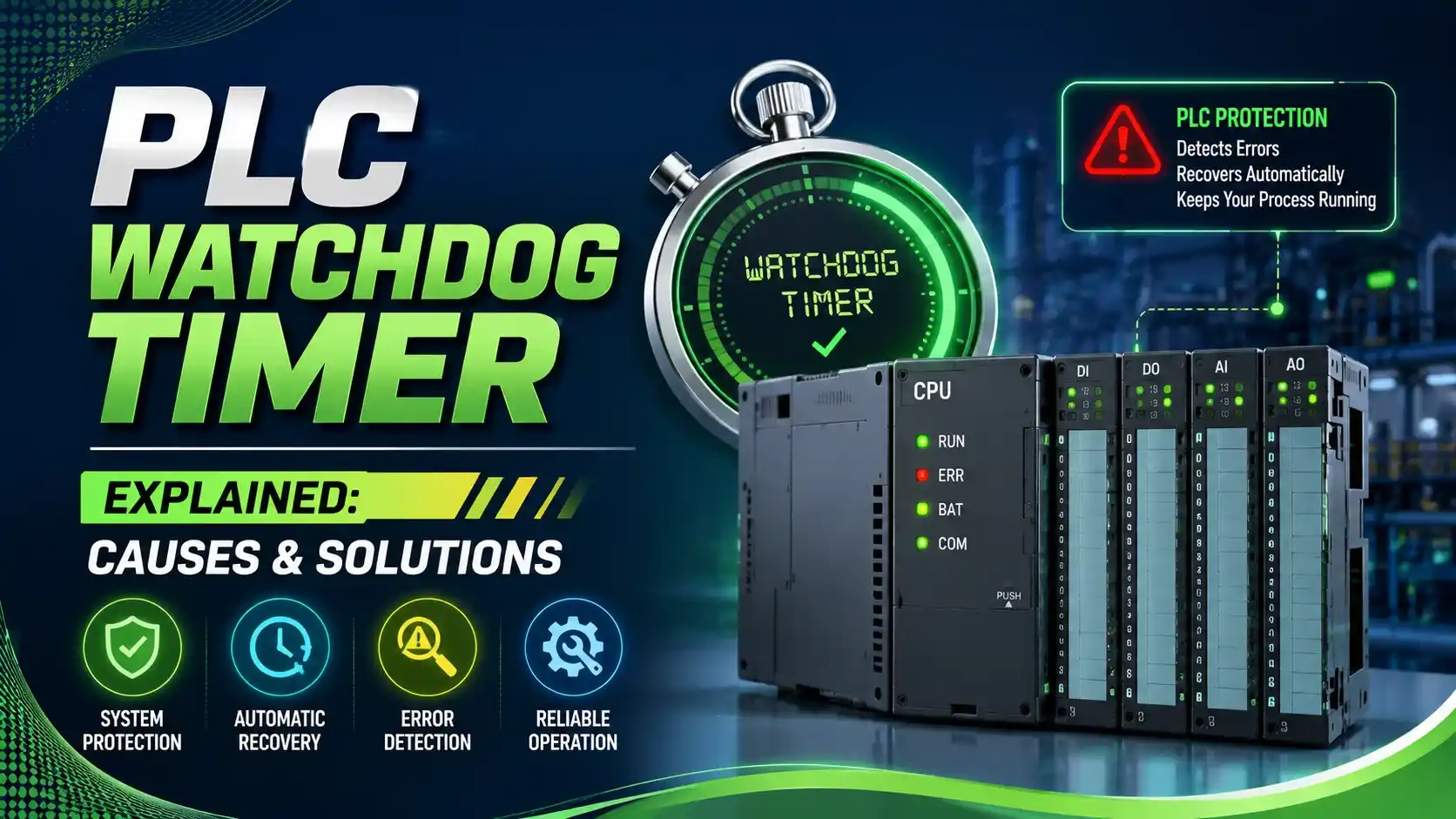
The requirement is exactly what makes the watchdog timer necessary in the first place. A PLC's scan cycle reads inputs, executes logic, and writes outputs in a tight, repeating loop, and every part of that loop is expected to finish within a predictable window of time.
The watchdog timer is a separate countdown, usually implemented in firmware or dedicated hardware rather than in the user program itself, that resets to its starting value at the beginning of every healthy scan. If the scan finishes in time, the timer resets and nobody ever notices it's there. If the scan doesn't finish before the timer runs out, the watchdog assumes something has genuinely gone wrong, not just slow, but stuck, looping, or unresponsive.
That distinction matters. A watchdog timeout isn't the PLC being cautious about a slightly slow scan. It's the PLC's last line of defense against a program that may never finish on its own, and the response is deliberately aggressive: outputs are forced to their safe, de-energized state, the CPU is faulted, and the program stops executing until someone intervenes.
This behavior is a form of fail-safe design, the same philosophy behind hardware interlocks and safety relays. The watchdog doesn't try to guess what went wrong or attempt a clever recovery. It simply refuses to let a potentially runaway program keep controlling outputs, which is exactly the right instinct in an industrial setting where a hung controller holding an output energized, or de-energized, at the wrong moment can have real physical consequences.
Understanding what trips this timer, and why, is what turns an occasional nuisance fault into a solvable engineering problem rather than a mystery that reappears every few weeks.
Normal Scan vs Watchdog Timeout, Visualized
Six Real Causes of Watchdog Timeout Faults
Program Complexity Outgrowing the Timer Setting
As logic gets added over years of modifications, actual scan time creeps upward. Eventually it starts brushing against a watchdog setting that was fine when the program was smaller.
Infinite or Unbounded Loops
A FOR loop or WHILE loop with a bad exit condition can spin far longer than intended within a single scan, and in the worst case, never exit at all.
Blocking Communication Calls in the Main Task
A synchronous message instruction waiting on a slow or unresponsive network device can stall the entire scan until it times out on its own.
Communication and HMI Overload
A flood of simultaneous polling requests from HMIs, SCADA, or historian software can eat into CPU processing bandwidth that the scan needs to finish on time.
Task Priority Conflicts
On multitasking CPUs, a high-priority interrupt or continuous task can repeatedly preempt a periodic task, causing it to miss its execution window.
Hardware or Firmware Faults
A flaky backplane connection, memory corruption, or a known firmware bug can occasionally stall scan execution in ways that have nothing to do with the user program at all.
Try It: Watchdog Margin Calculator
A watchdog timeout set too close to actual worst-case scan time invites nuisance trips. Enter your numbers to check how much safety margin your configuration actually has.
Let Us Take an Example
A PLC has its watchdog timeout configured at 500 ms, a fairly typical setting for a mid-sized control application.
Trending shows the average scan time sits around 150 ms, but during peak communication load and occasional loop execution, the worst-case scan time reaches 380 ms.
WD = 500 ms
Tworst = 380 ms
Tavg = 150 ms
Step 1: Margin
Margin % = (WD − Tworst) ÷ WD × 100
Margin % = (500 − 380) ÷ 500 × 100
Margin % = 120 ÷ 500 × 100
Margin % = 24.0%
Step 2: Ratio
Ratio = WD ÷ Tworst
Ratio = 500 ÷ 380
Ratio ≈ 1.32
Have you got it? Good. A 24% margin technically avoids a fault today, but it's inside the marginal zone, not the safe zone.
Ok, let me explain why that matters. Any small increase in communication load, program size, or a single unusually slow scan could push worst-case scan time close enough to 500 ms to trip the watchdog intermittently, and intermittent faults are notoriously hard to diagnose after the fact.
Where This Configuration Sits
A 24% margin lands squarely in the caution zone on most engineering guidelines, worth watching rather than ignoring.
According to AutomationForum's explanation of watchdog timers in PLCs, the safest practice is sizing the watchdog with generous headroom above worst-case scan time, rather than trimming it down close to whatever the program currently needs.
A Step-by-Step Troubleshooting Approach
Pull the fault log and scan time history
Check whether the fault correlates with a specific time of day, communication load, or recent program change.
Review recently added logic
Look specifically for new loops, added subroutines, or newly enabled communication instructions in the main task.
Check for blocking communication calls
Confirm whether any message or communication instructions in the periodic task can stall waiting on a response.
Review task priorities on multitasking CPUs
Confirm a high-priority task isn't repeatedly starving the task that's tripping the watchdog.
Calculate the actual margin
Use worst-case scan time, not average, to check whether the configured watchdog timeout has adequate headroom.
Fix the root cause before adjusting the timer
Only increase the watchdog setting after confirming the underlying scan time issue is understood, not as a first response to a fault.
Good Practices for Watchdog Timer Configuration
✓ Do
- Size the watchdog timeout with generous margin above worst-case, not average, scan time
- Move blocking or slow communication instructions out of the main periodic task where possible
- Trend scan time over time to catch gradual drift before it becomes a fault
- Investigate the root cause of a watchdog fault before simply raising the timeout value
✗ Don't
- Set the watchdog timeout based only on average scan time, ignoring worst-case conditions
- Treat a watchdog fault as a nuisance to silence rather than a symptom to investigate
- Add unbounded loops to time-critical routines without a hard iteration limit
- Ignore task priority conflicts as a possible cause on multitasking CPU platforms
Worth Reading if You Want to Go Deeper
Questions Students and Technicians Often Ask
External References
- Understanding Watchdog Timers in PLCs, AutomationForum
- Resolving ControlLogix Watchdog Fault: Infinite Loop Fix, Industrial Monitor Direct
What we learn today
- A PLC watchdog timer monitors scan cycle execution time and forces a fault with safe-state outputs if a scan runs longer than the configured timeout.
- The six main causes are program complexity growth, infinite loops, blocking communication calls, communication overload, task priority conflicts, and hardware or firmware faults.
- A worked example showed a 500 ms watchdog with a 380 ms worst-case scan time, giving only a 24% margin, inside the caution zone rather than a safe zone.
- A common engineering guideline targets at least 50% margin, or roughly double the worst-case scan time, when configuring a watchdog timeout.
- The root cause should always be investigated before simply raising the watchdog timeout, since masking the symptom can let a real problem grow worse.