
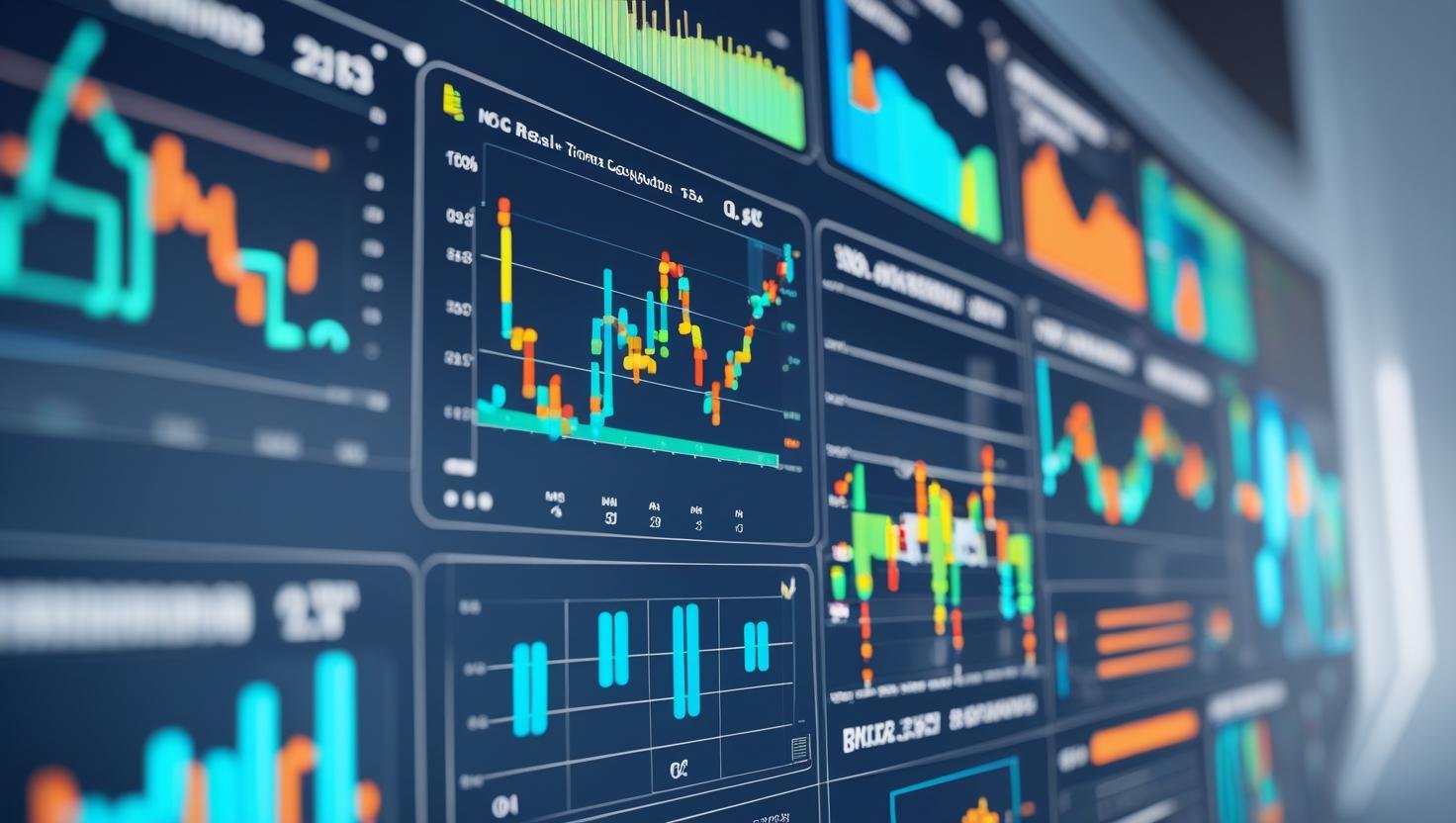
If you are new to automation or just curious about how SCADA systems work, you are in the right place. This page is full with great resources on free SCADA training for beginers.
SCADA (Supervisory Control and Data Acquisition) is one of the most important technologies used in industries like power plants, manufacturing, water treatment, oil & gas, and many more. But for beginners, learning SCADA can seem confusing and technical.
That is why we have created this free SCADA crash course : a step-by-step video series that breaks down everything you need to know, from the basics to advanced topics. Whether you are a student, a technician, or a working professional looking to upskill, this course will help you understand SCADA in a simple and practical way.
There is no need to buy any expensive software or training. Just watch the videos, follow along, and start building your own SCADA project today!
Table of Contents
ToggleFree SCADA Training Module 1: SCADA Fundamentals
In module 1, you will learn what SCADA is, how it works, and how it compares to systems like PLC and DCS helping you decide which path to follow in your automation journey.
1: SCADA vs PLC vs DCS – Which One Should You Learn?
This lesson explains the difference between SCADA, PLC & DCS. These three major technologies are used in industrial automation.
You will learn how each system works, where it is used, and which one is the best fit for your learning or career path.
It is a great starting point if you are unsure which technology to focus on.
2: Intro to SCADA Systems
Here you will get an easy introduction to SCADA systems. What they are, why they matter and how they are used to monitor and control processes in industries like water treatment, oil & gas, and manufacturing.
This lesson sets the foundation for understanding SCADA’s role in automation.
3) What is SCADA? (Beginner Friendly)
In this beginner friendly video, we explain SCADA in the simplest possible way.
No heavy jargon, just a clear explanation of how SCADA collects data, sends commands, and helps operators monitor processes in real time.
This video is perfect for students and newcomers to automation.
Free SCADA Training Module 2: Building Your First Project
Module 2 of free SCADA training is all about getting hands-on experience. You’ll create your first SCADA project using Wonderware InTouch, learn how to add animations and scripts, and even explore a free SCADA software (WINTR) for practice.
4) Create Your First SCADA Project (Wonderware InTouch)
This hands on tutorial will help you build your very first SCADA project using Wonderware InTouch, one of the most widely used SCADA software platforms.
You will learn how to create a screen, place objects, and bring your system to life visually even if you have never used SCADA before.
5) Add Animations and Simple Scripts
Take your project to the next level by adding animations and basic scripting.
This course teaches you how to make buttons move, tanks fill up, and indicators blink adding interactivity and logic to your SCADA screens.
6) Download and Install WINTR SCADA (Free Version)
Want to practice SCADA without paying for expensive software?
This lesson shows you how to download, install, and use the free version of WINTR SCADA. It is a great alternative for students and beginners to start experimenting with SCADA projects at home.
Free SCADA Training Module 3: SCADA Communication Protocols
In Module 3 of free SCADA training, you will learn how SCADA systems communicate with field devices using popular protocols like Modbus RTU & TCP/IP, and learn about Remote Terminal Units (RTUs)
7) Modbus Basics — TCP/IP & RTU
In this module, you will learn the basics of Modbus, the most common communication protocol in SCADA systems. We explain the difference between Modbus RTU and Modbus TCP/IP, and how these protocols help SCADA systems talk to PLCs and other field devices.
8) Setting Up Modbus RTU/TCP in SCADA — Real Example
Theory is important, but real examples make it clearer. This video walks you through a real-life setup of Modbus communication in a SCADA project, helping you understand how to configure settings, connect devices, and view live data.
9) What is an RTU? Explained Simply
Not sure what an RTU is? This course is very easy to understand the concepts in very simple terms. You will learn what a Remote Terminal Unit does, how it differs from a PLC, and how it fits into a SCADA system, all with practical examples.
Free SCADA Training Module 4: Advanced SCADA Concepts
In Module 4 of free SCADA training, you will learn advanced SCADA concepts such as OPC UA, OPC DA, client server architecture, and how to remotely access your SCADA system through a web interface. Each module is broken into simple videos that are easy to follow. This is perfect for students, technicians, and beginners.
10) What is OPC UA and How Does It Work?
OPC UA is one of the most modern and secure protocols used in SCADA today.
This video explains what OPC UA is, how it works, and why it is preferred over older communication methods. A must watch if you want to stay updated with industry trends.
11) Using OPC DA with SCADA
This lesson shows how to use OPC DA (the classic OPC standard) to connect SCADA systems with different devices. You will understand how OPC acts as a bridge between software and hardware, making integration easier.
12) Connecting SCADA to Siemens S7-300 via OPC (Kepware)
In this practical guide, you will learn how to connect a SCADA system to a Siemens S7-300 PLC using Kepware OPC software. It is a great real world example of industrial communication, using tools commonly found in the field.
13) Understanding Client-Server Architecture
SCADA systems often use a client server setup to manage data and control systems across different locations. This course explains how that architecture works, why it is used, and how it improves system performance and reliability.
14) Accessing SCADA Remotely via Web (Remote HMI)
Want to monitor your plant or factory from anywhere?
This video shows you how to set up remote access for your SCADA system, so you can view and control your HMI through a web browser and it is Ideal for modern, connected industries.
In association with IT And Automation Academy.


I hope you like above blog. There is no cost associated in sharing the article in your social media. Thanks for reading!! Happy Learning!!





6 Comments