
Table of Contents
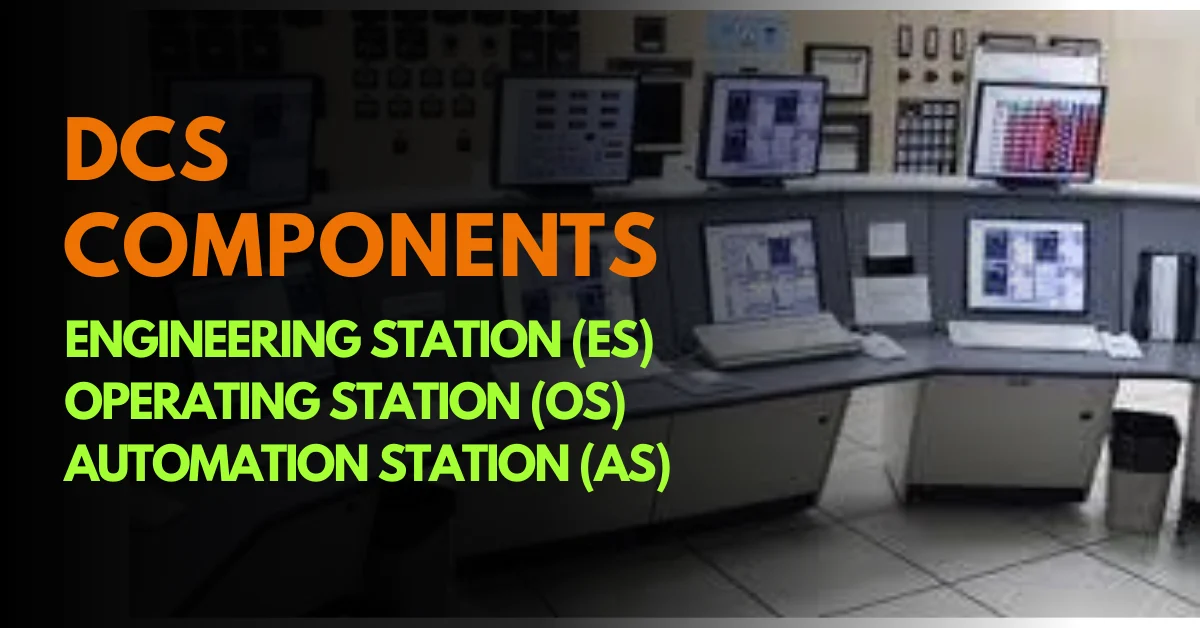
ToggleDCS Components: Introduction
Modern industries cannot run safely without a strong control system. Whether it is a refinery, power plant, chemical factory, or water treatment facility, everything depends on reliable automation. At the center of this automation is the Distributed Control System (DCS).
But many engineers and students often ask:
What exactly are the main DCS Components?
What is the difference between ES, OS, and AS?
In this article, we will clearly understand the three core DCS Components:
Engineering Station (ES)
Operating Station (OS)
Automation Station (AS)
We will explain their roles, functions, real-world applications, and how they work together in a practical industrial environment.
What Are DCS Components?
A Distributed Control System is not a single device. It is a complete network of hardware and software working together.
The main DCS Components include:
Engineering Station (ES) – Where the system is configured and programmed
Operating Station (OS) – Where operators monitor and control the plant
Automation Station (AS) – Where real-time control logic is executed
Each of these DCS Components has a specific responsibility. When combined, they create a powerful, safe, and intelligent control environment.
Let us understand them one by one.
1) Engineering Station (ES) – The Configuration Center of DCS Components
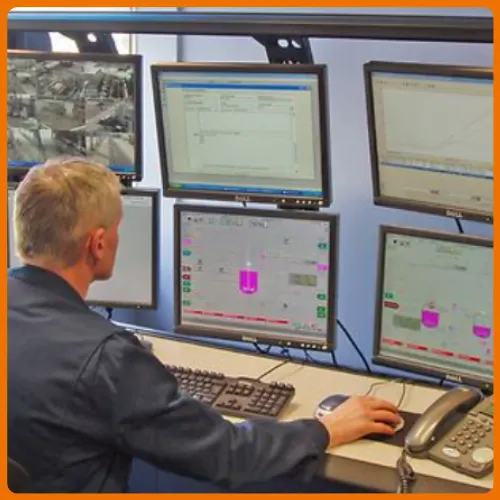
The Engineering Station (ES) is where the entire DCS system is built and configured.
If we compare a plant to the human body:
• Automation Station is the brain
• Operating Station is the eyes
• Engineering Station is the designer who builds the brain
Without the Engineering Station, none of the DCS Components can function properly.
1.1 System Configuration
At the Engineering Station, engineers:
Define the system architecture
Configure controllers and I/O modules
Assign network communication
Map field devices
This is where the complete control structure is created.
1.2 Programming Control Logic
All control strategies are developed here, such as:
PID control loops
Interlocks
Permissive logic
Sequence control
Engineers use tools like:
- Function Block Diagrams (FBD)
- Ladder Logic
- Structured Text
This is where the “intelligence” of the DCS Components is designed.
1.3 Loop Tuning and Parameter Setting
Instrumentation devices such as:
• Pressure transmitters
• Temperature sensors
• Control valves
Need precise configuration.
Engineers use the Engineering Station to:
Set ranges
Define scaling
Tune PID parameters
Optimize response time
1.4 Diagnostics and Maintenance
The ES is also used for:
Checking controller health
Monitoring communication status
Firmware updates
Troubleshooting logic errors
Why Engineering Station Is Critical in DCS Components
The Engineering Station defines what should happen in the plant.
It prepares and downloads logic into the Automation Station for real-time execution.
2) Operating Station (OS) – The Human Interface of DCS Components
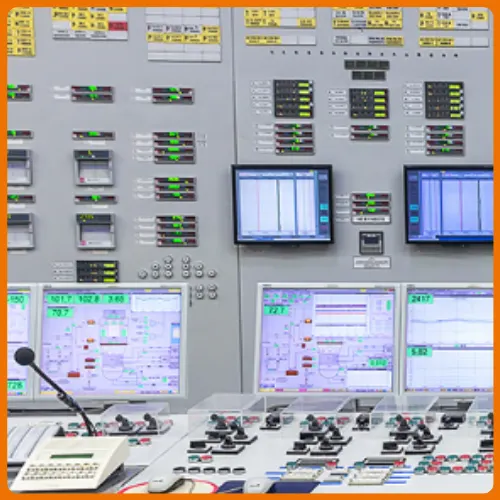
The Operating Station (OS) is installed in the control room.
It is the operator’s window to the plant.
Among all DCS Components, this is the one operators interact with every day.
2.1 Real-Time Monitoring
The OS displays:
Temperature
Pressure
Flow
Level
Motor status
Valve position
Operators can see:
- Live trends
- Historical data
- Process deviations
2.2 Alarm Management
When a process variable crosses its limit:
Alarm sound is generated
Alarm message appears
Operator acknowledges it
Proper alarm handling prevents accidents.
2.3 Manual Control Actions
Through the Operating Station, operators can:
Start/Stop pumps
Change setpoints
Switch loops to manual
Override control signals
2.4 Human-Machine Interface (HMI)
Modern OS systems provide:
Graphical plant mimic diagrams
Color-coded alarms
Trend graphs
Faceplates
This makes complex process data easy to understand.
Why Operating Station Is Important in DCS Components
The Operating Station ensures who monitors and controls the process.
Without it, operators would be blind to plant conditions.

3. Automation Station (AS) – The Execution Engine of DCS Components
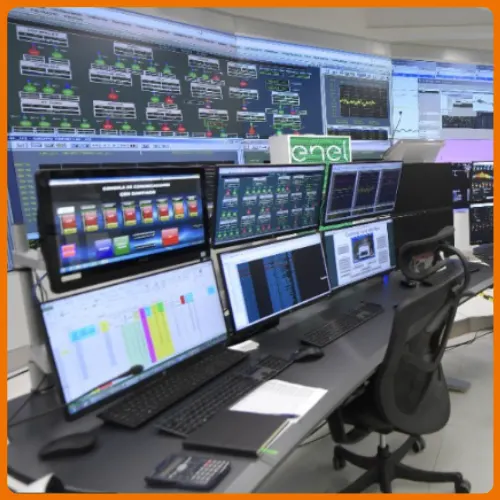
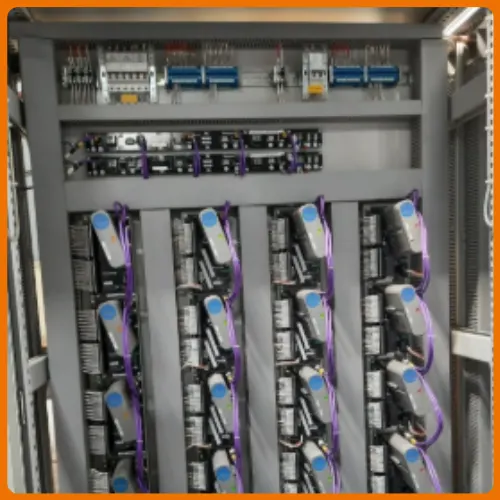
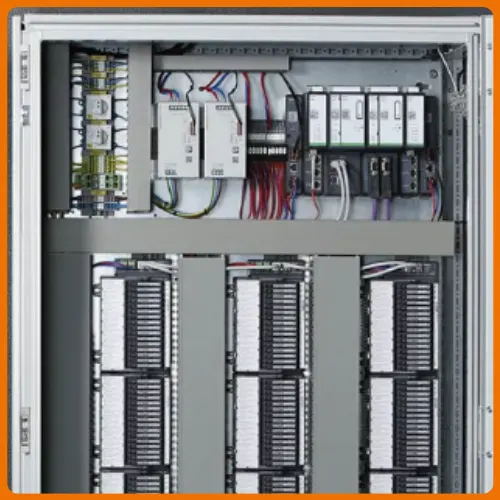
The Automation Station (AS) is the heart of execution.
It is also called:
- Controller
- Process Station
Among all DCS Components, this one performs real-time control.
3.1 Control Logic Execution
The AS executes:
PID calculations
Interlocks
Sequences
Logic conditions
It continuously calculates and adjusts output signals.
3.2 Communication with Field Devices
The Automation Station connects to:
Sensors
Transmitters
Control valves
Actuators
Through:
Analog/Digital I/O
HART
Profibus
Foundation Fieldbus
It receives input signals and sends control commands.
3.3 Redundancy and Reliability
In critical plants:
Controllers are installed in pairs
One acts as primary
Second acts as standby
If one fails, the other takes over instantly.
This ensures high availability.
3.4 Integration with Higher Systems
Automation Stations communicate with:
SCADA systems
MES
ERP
This enables plant-level and enterprise-level data integration.
Why Automation Station Is Critical in DCS Components
The Automation Station ensures how control happens in real time.
It is responsible for safe, stable, and continuous plant operation.
Comparison of Major DCS Components
Let us clearly compare these three DCS Components.
Engineering Station (ES)
Used by engineers
Used for system configuration
Programs logic
Downloads strategy to controllers
Operating Station (OS)
Used by operators
Displays real-time process data
Handles alarms
Allows manual control
Automation Station (AS)
Used by control system
Executes logic
Communicates with field devices
Controls process in real time
Simple Responsibility Structure
ES defines what should happen
AS performs how it happens
OS monitors and controls who interacts with it
This structure explains the complete working of DCS Components in a simple way.
How All DCS Components Work Together
Let us understand with a practical example.
Imagine a boiler temperature control loop:
Temperature transmitter sends signal to AS
AS calculates PID output
Control valve adjusts fuel flow
OS displays temperature trend
Engineer tunes PID from ES
All three DCS Components are involved.
This teamwork ensures:
Stable Process
Safe Operation
Accurate Control
Reduced Downtime
DCS Components Comparison Chart – ES vs OS vs AS
Understanding DCS Components becomes much easier when we compare them side by side.
Below is a comparison table.
| Feature | Engineering Station (ES) | Operating Station (OS) | Automation Station (AS) |
|---|---|---|---|
| Primary User | Control Engineers | Control Room Operators | Control System / Controllers |
| Main Purpose | System configuration & logic design | Process monitoring & control | Real-time execution of control logic |
| Role in DCS Components | Defines what should happen | Supervises plant operation | Executes how it happens |
| Logic Programming | Yes – Creates PID, interlocks, sequences | No | Executes downloaded logic |
| Real-Time Monitoring | Limited (mainly for testing) | Yes | Internal processing only |
| Field Device Communication | Indirect | Indirect | Direct communication via I/O & Fieldbus |
| Alarm Handling | Configuration of alarm limits | Alarm acknowledgment & response | Generates alarm signals |
| Loop Tuning | Yes (PID tuning & parameter setup) | No | Uses tuned parameters |
| Redundancy | Usually not critical | Optional | Highly critical (Controller redundancy) |
| Typical Location | Engineering Room | Control Room | Control Panel / Field Cabinet |
| Data Interaction | Defines and modifies parameters | Displays and controls live data | Reads inputs and sends outputs |
| Maintenance Role | Firmware updates, diagnostics | Operational checks | Continuous control operation |
What we learn today?
A Distributed Control System is powerful because of its structured architecture.
The three primary DCS Components:
Engineering Station
Operating Station
Automation Station
Work in coordination to ensure reliable industrial automation.
Remember this simple formula:
Engineering Station = Design
Automation Station = Execution
Operating Station = Supervision
When these DCS Components function correctly together, industries operate safely, efficiently, and continuously.


I hope you like above blog. There is no cost associated in sharing the article in your social media. Thanks for Reading !! Happy Learning